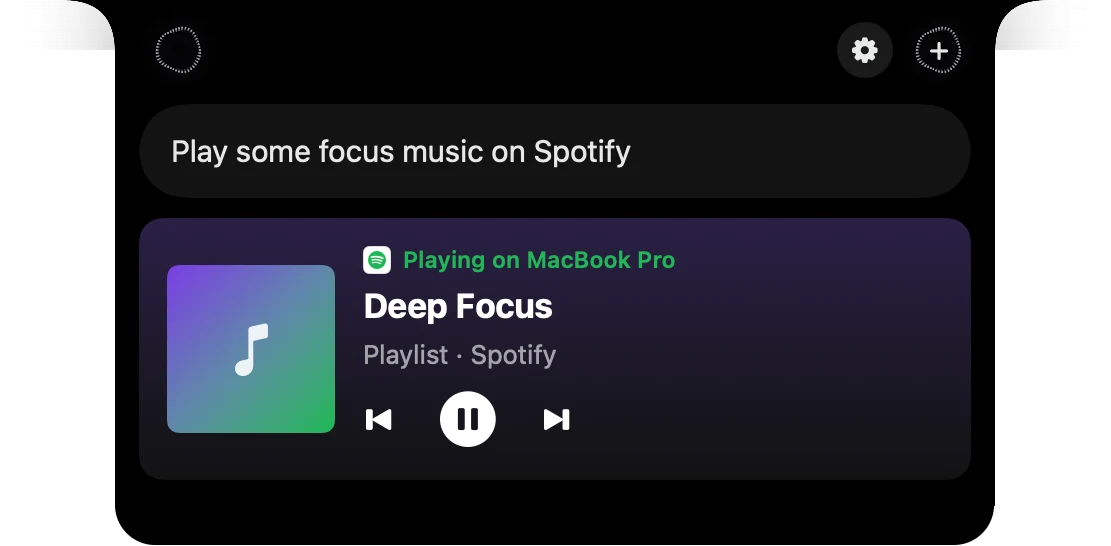
When you stop talking
When you stop talking to Speechy's notch on your Mac, it can send your request at once or wait for you. Send right away is the default. Pick Leave it in the box in Settings, General, Using Speechy to check and edit the words first, then press Enter.
How to use When you stop talking
Press ⌥⇧Space and talk
Your words show in one live line as you speak.
Stop the shortcut
Press it again, or let go if you're holding it.
Send right away
Your words land in the chat as your message.
Or leave it in the box
The words wait with the caret at the end. Edit, then press Enter.
What you do, what you get
Speechy's notch
You do
“Stop talking with Send right away picked”
You get
The request goes at once and the answer follows.
Speechy's notch
You do
“Stop talking with Leave it in the box picked”
You get
Your words wait in the ask box, so you can fix a name before Enter.
Speechy's notch
You do
“Say "yes" while a confirm card waits”
You get
The card is answered, whichever choice you picked.
Pick what happens.
In Speechy, Settings, General, Using Speechy. Notch settings has it too, under Notch.
- When you stop talkingWhat the notch does with your wordsSend right awayLeave it in the box
Questions
Send right away. If you picked a choice before, Speechy keeps it.
Yes. With Leave it in the box, the words stay in the ask box so you can edit or add to them, then press Enter.
No. It only changes the notch's voice shortcut. Dictating with Fn still types where your cursor is.