It asks when a call starts
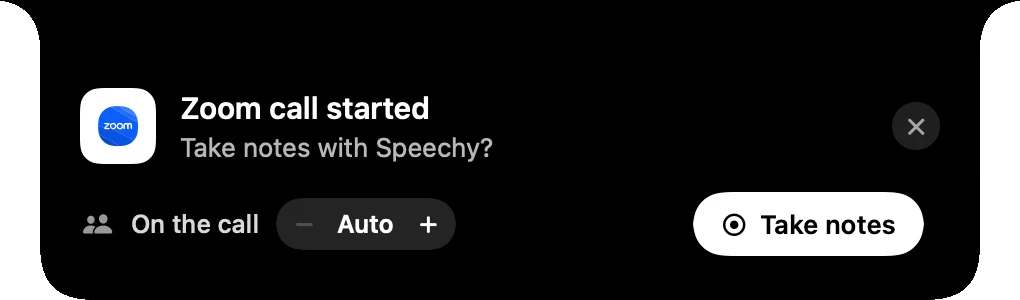
“Take notes with Speechy?” Say yes, or let it start by itself for Zoom.
Speechy hears your Zoom, Meet or Teams call, or the people in the room, and writes a short summary, the decisions and who does what. No bot joins the call, and the recording stays on your Mac.
200 minutes free every month. No card needed.

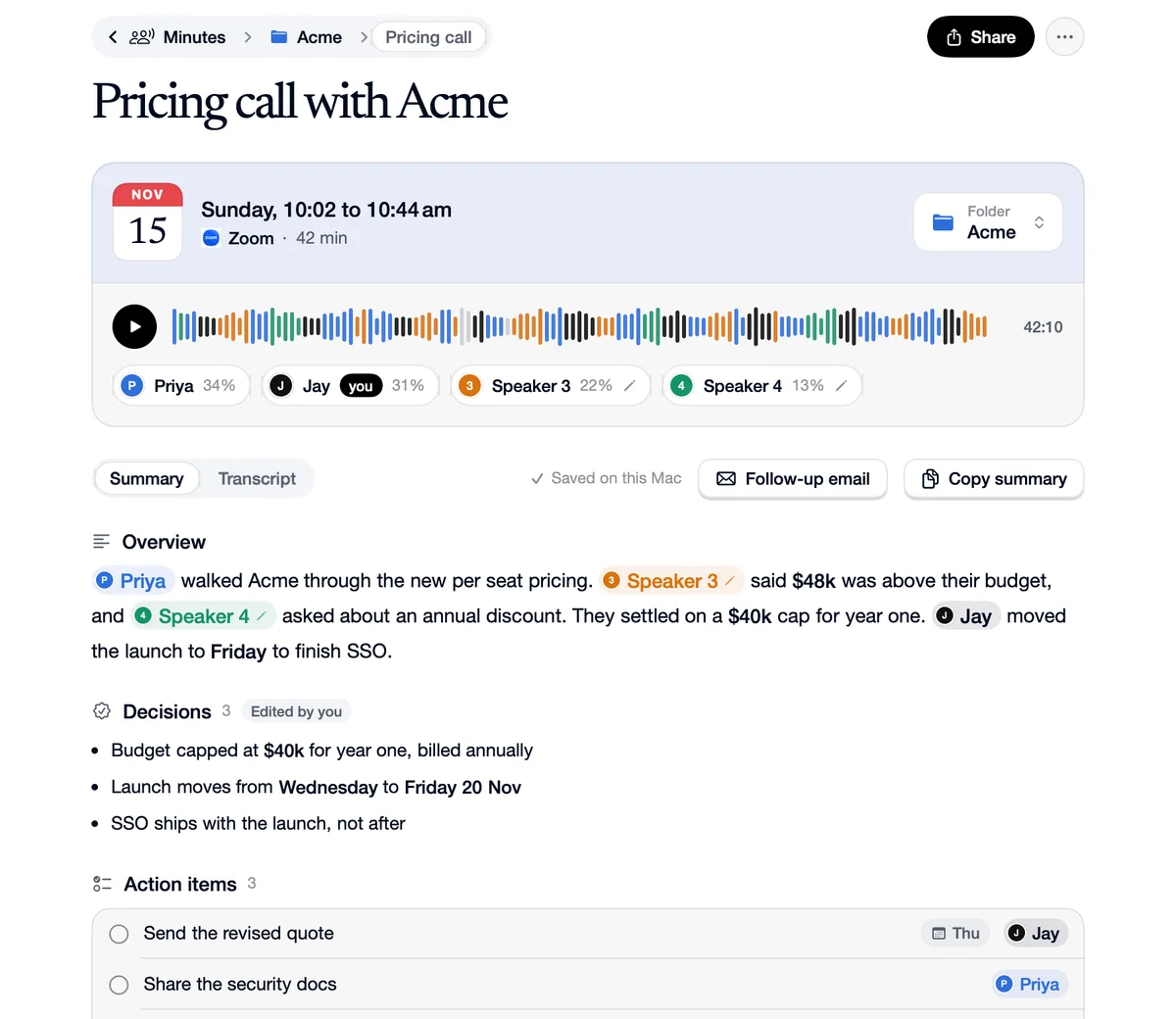
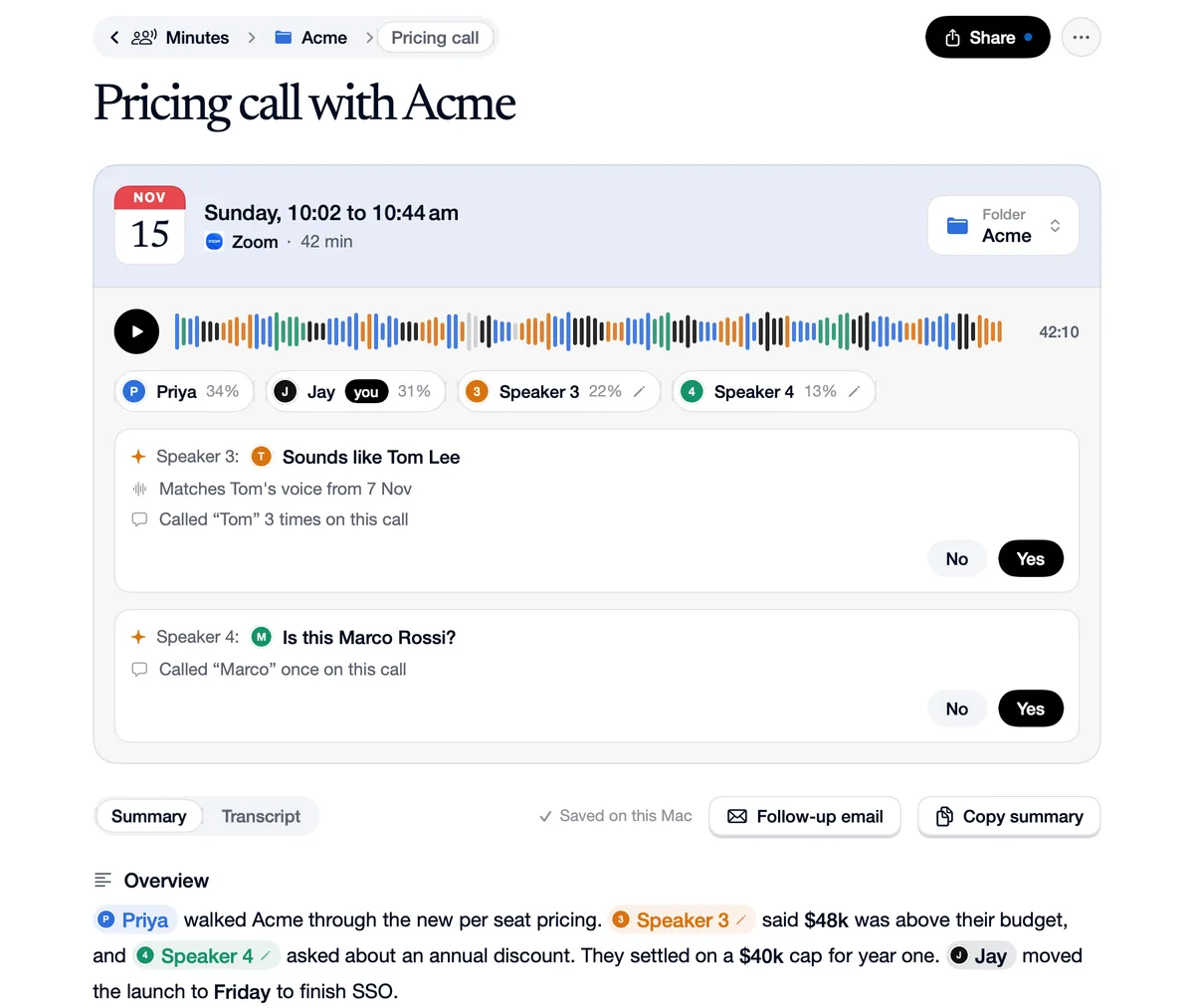
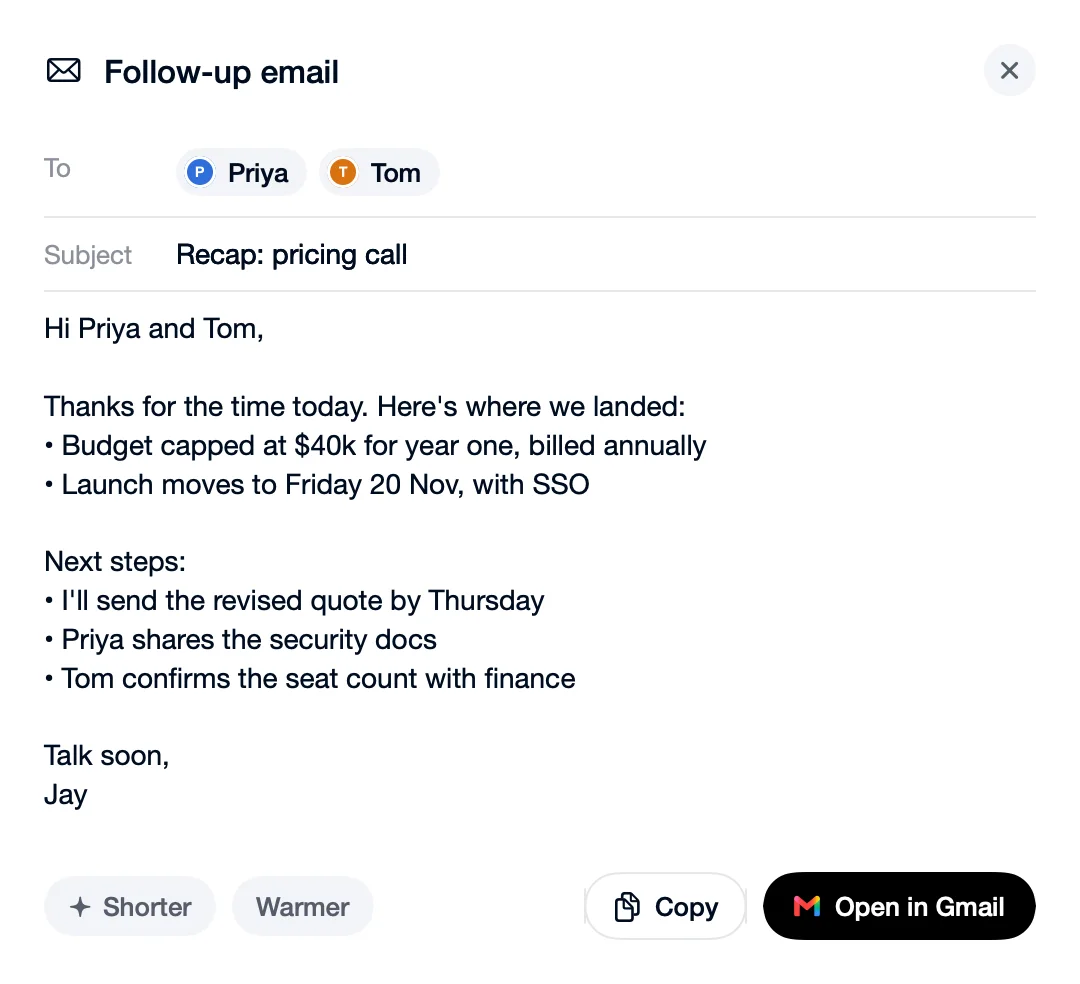

A demo of Minutes: the notch offers to take notes when a Zoom call starts, records, then shows the notes, who said what, and the follow-up email.
No bot in the call. It listens on your Mac, like you do.
Notes when you hang up. Summary, decisions and to dos.
Knows who said what. Names stay for next time.
Zoom, Meet, Teams, FaceTime, Slack, Webex and Discord.
“Take notes with Speechy?” Say yes, or let it start by itself for Zoom.
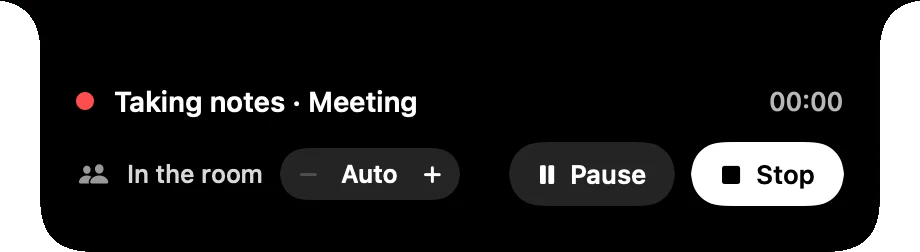
A red dot in the notch. Hover it to pause or stop.
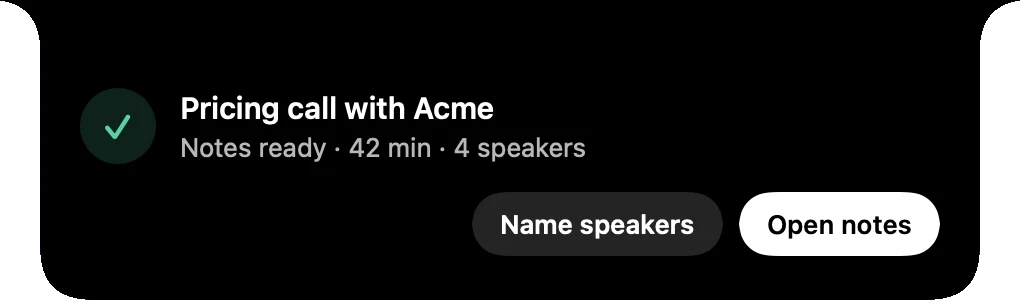
Soon after you hang up, with who spoke.
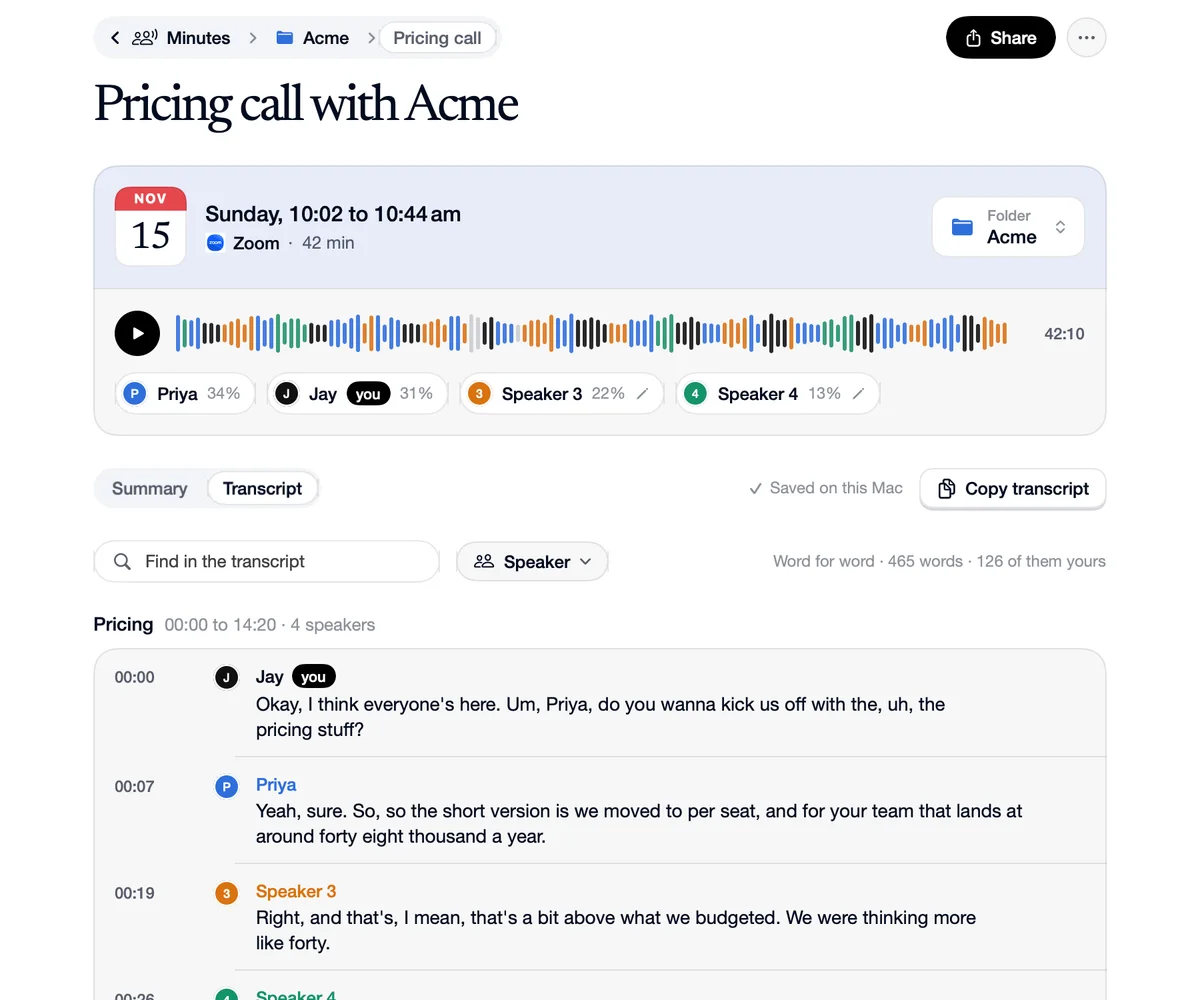
The decisions and who does what, ready to edit.
Every word, split by who said it.
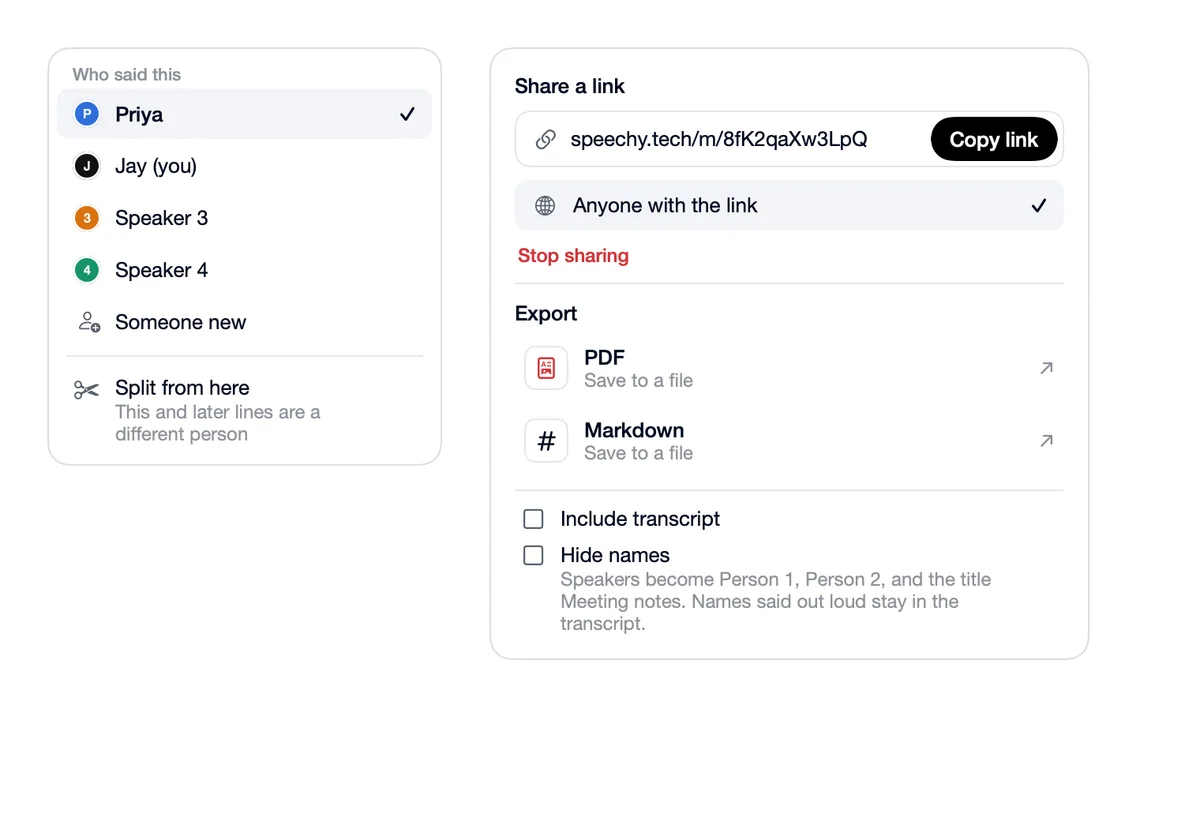
Name a voice once. Next time it names them by itself, or asks when it isn’t sure.
Answer Yes or No, and it remembers.
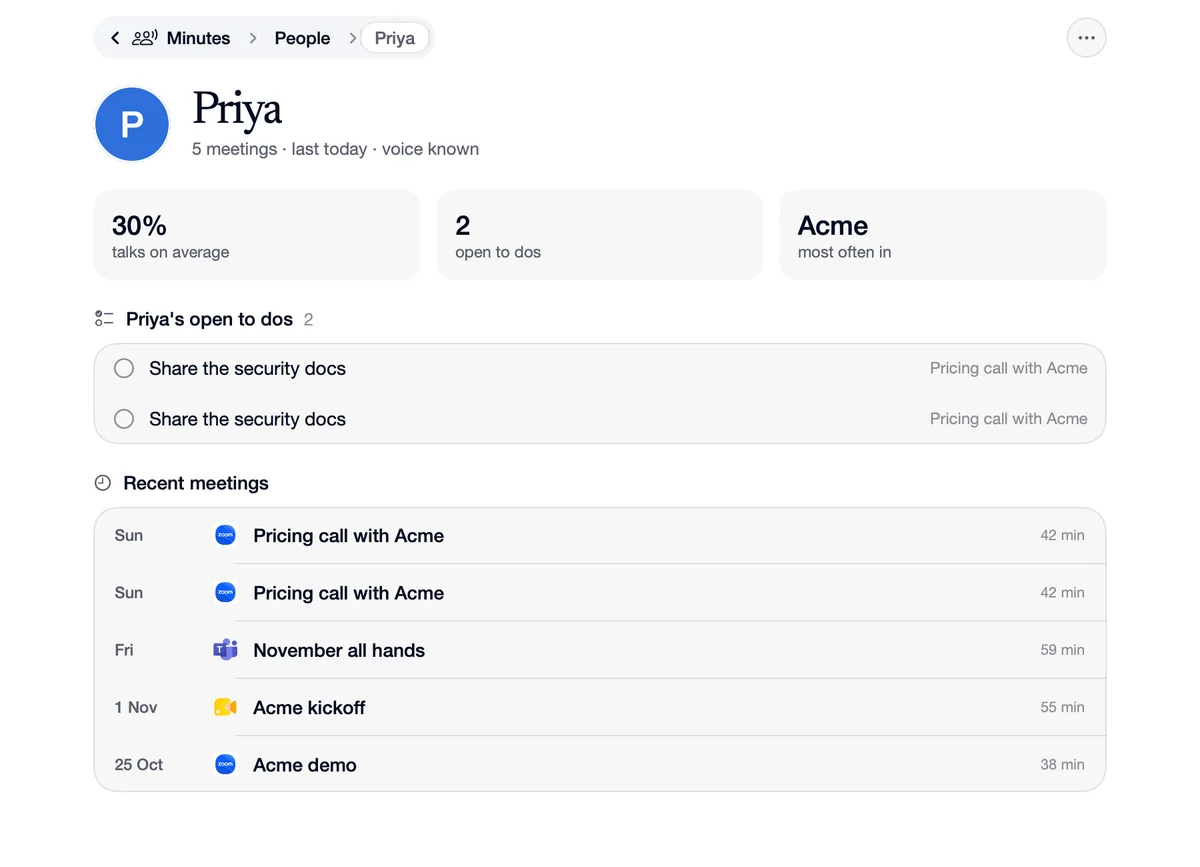
Each voice it has heard, and how often.
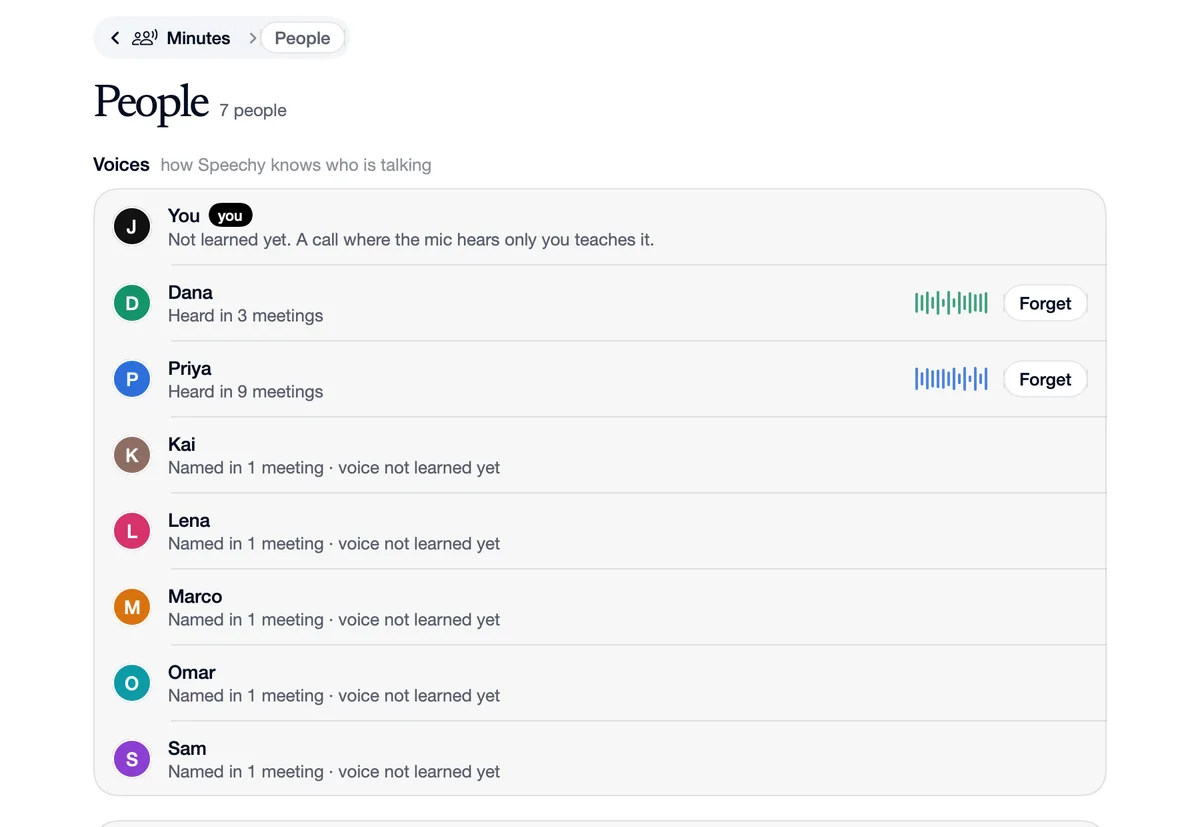
Their meetings and what they still owe you.
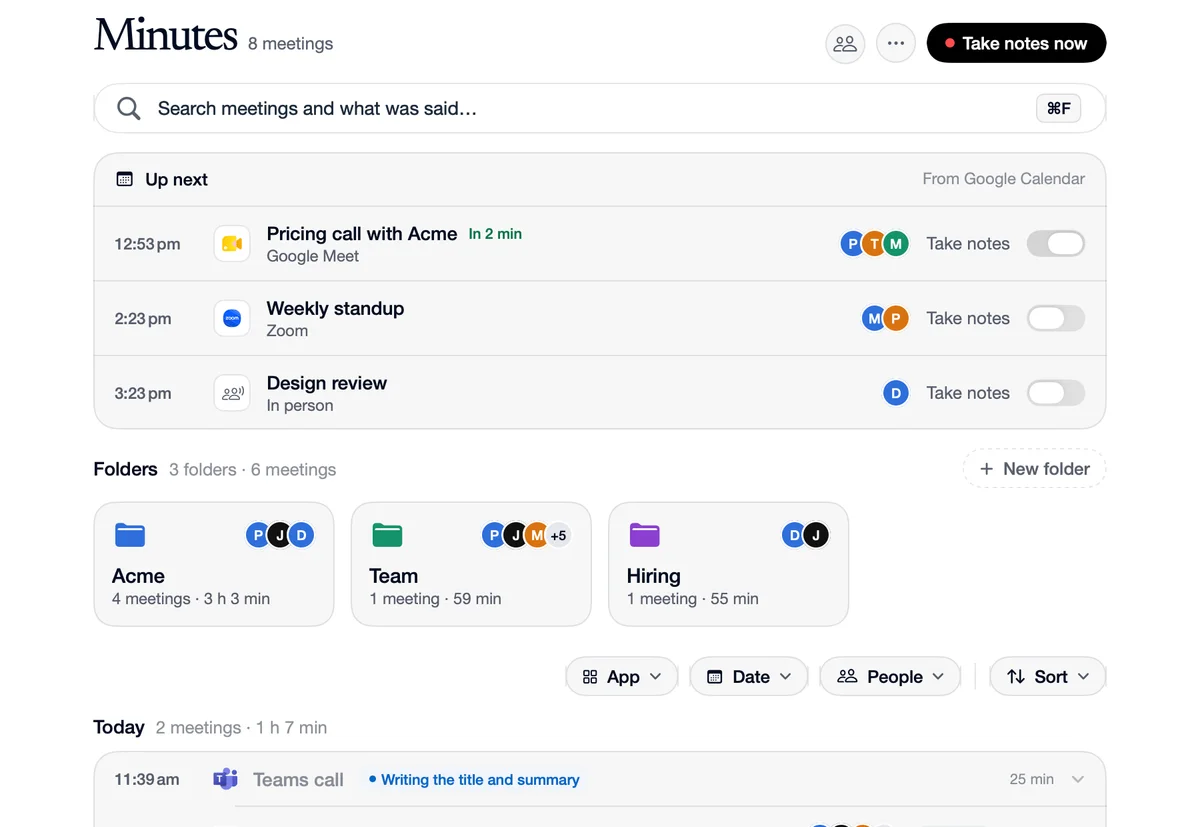
Today’s meetings from Google Calendar or Outlook, each with a Take notes switch.
Written from the notes. Copy it, or open it in Gmail.
A link, a PDF, Markdown, Google Docs or Notion.
A dictation app writes. A chat app answers. A screen buddy explains. A notetaker writes up the call. Speechy does all four.
 Speechy |  Wispr Flow |  Superwhisper |  VoiceInk |  ChatGPT |  HeyClicky | |
|---|---|---|---|---|---|---|
| Clean text in any app | ||||||
| Your voice stays on your Mac | ||||||
| Answers from your apps | ||||||
| Sends and posts for you, with undo | ||||||
| Sees your screen | ||||||
| Draws on your screen | ||||||
| Takes over your Mac when you allow it | ||||||
| Builds apps in the background |