Your inbox
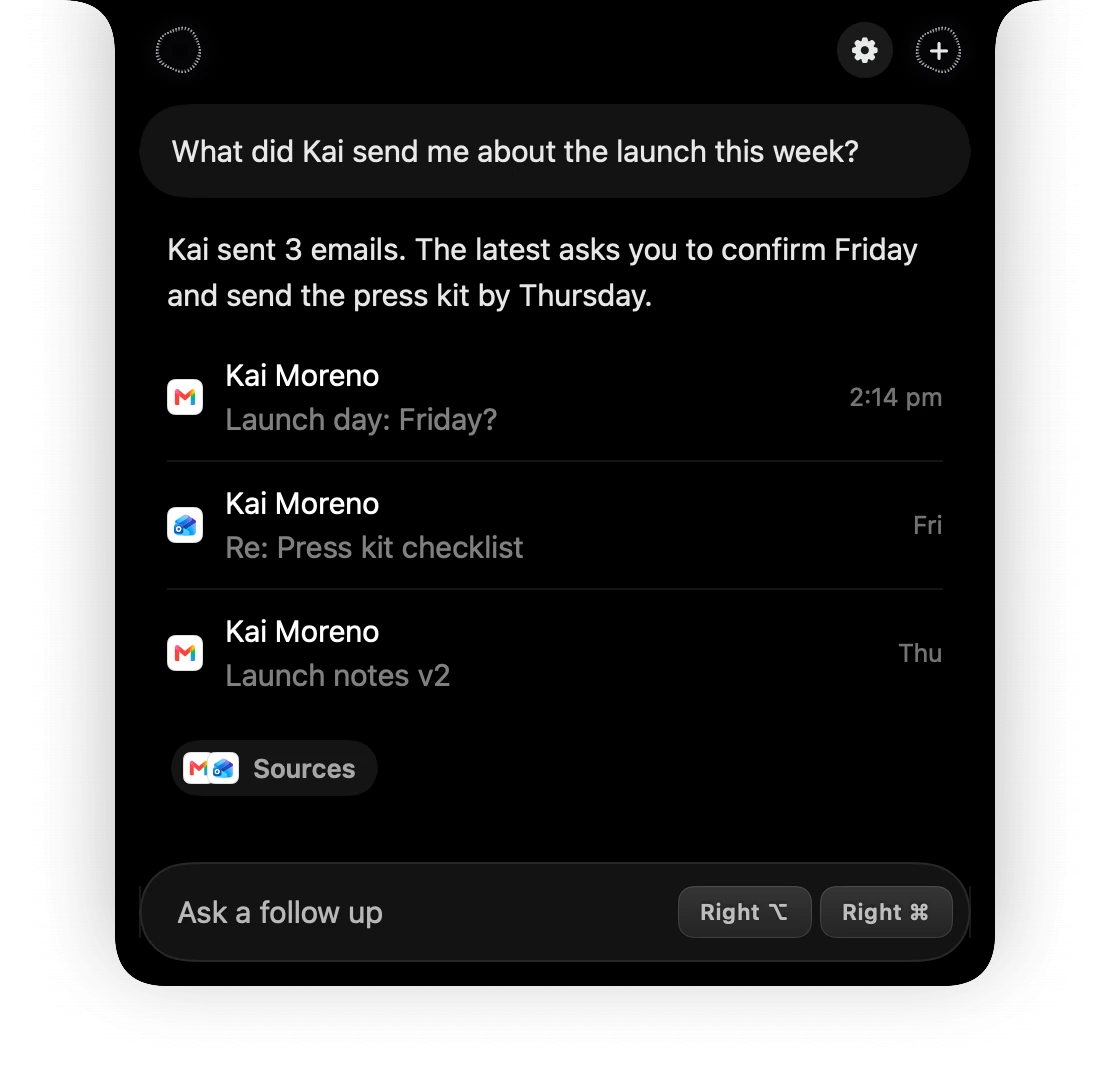
“What did Kai send me about the launch this week?”
Press two keys and say what you need. Speechy answers from your apps and does the work, right in the notch.
Free to start · macOS 14 or later, Apple silicon


A demo of the Assistant: the notch answers from your apps, sends with a moment to undo, and shows its settings and usage.
Ask anything. What’s in your inbox, your calendar, your files.
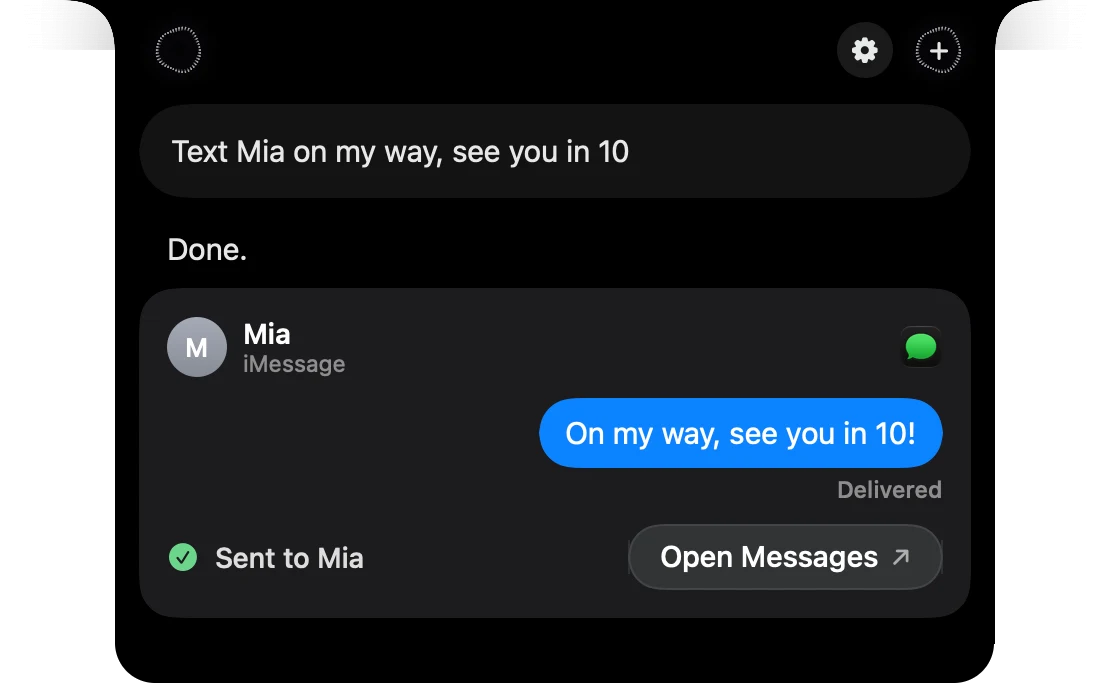
Say what to do. It sends, posts, books and files it for you.
Change your mind. Everything it sends has a moment to undo.
“What did Kai send me about the launch this week?”
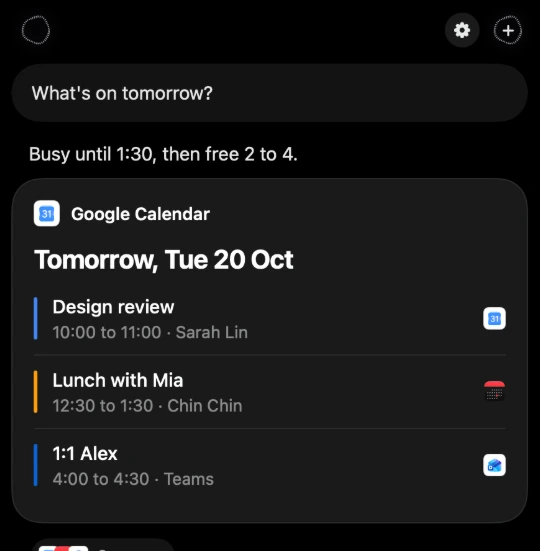
“What’s on my calendar tomorrow?”
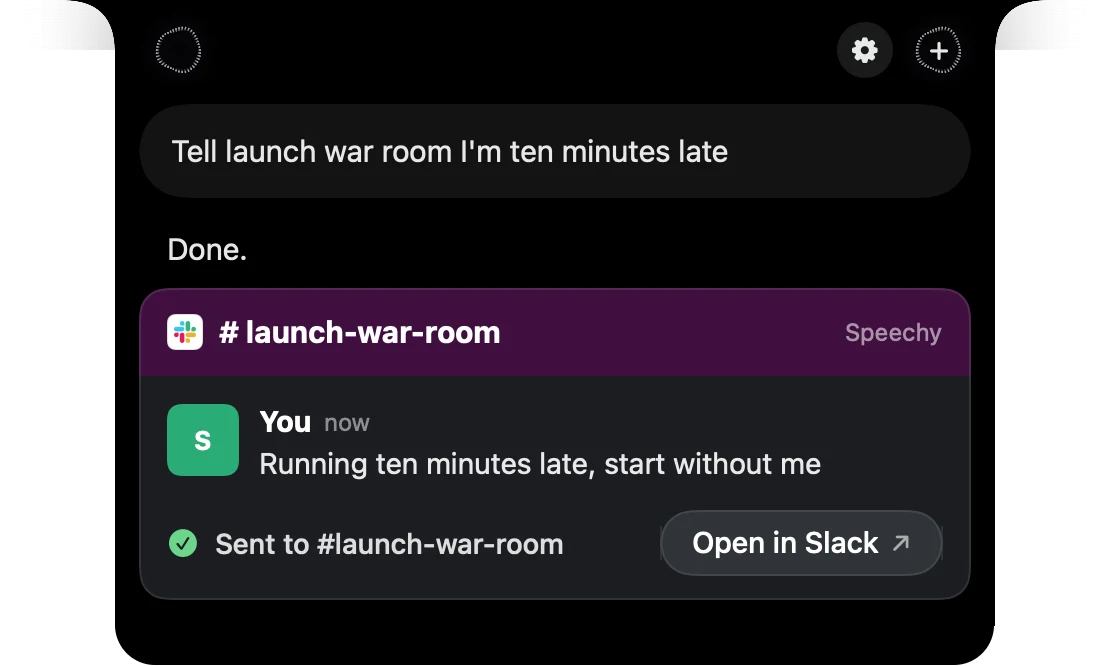
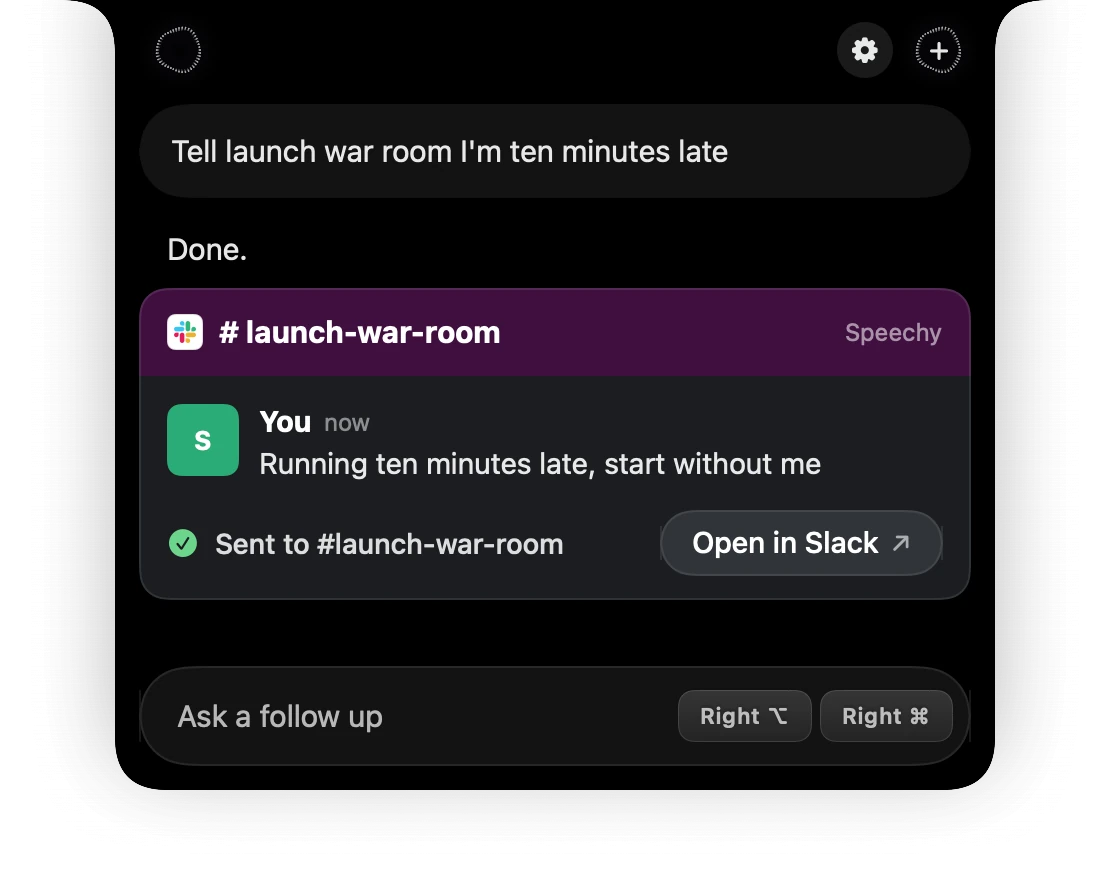
“Tell launch war room I’m ten minutes late.”
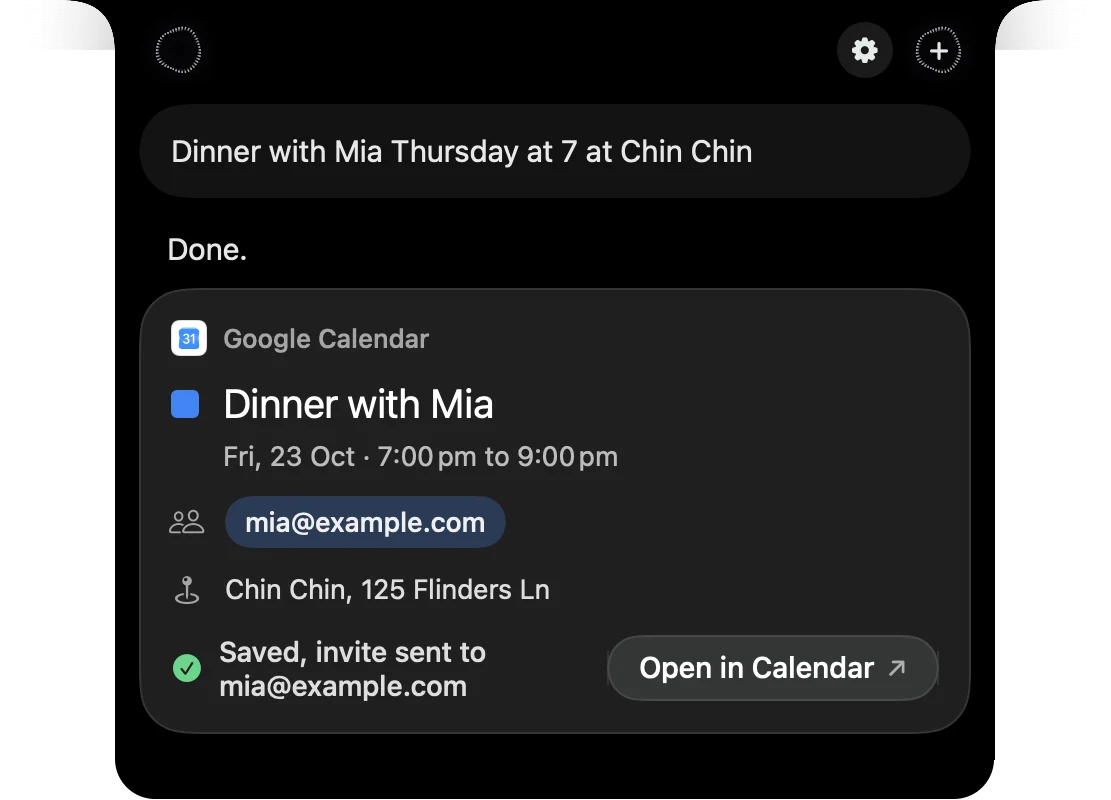
“Dinner with Mia Thursday at 7.”
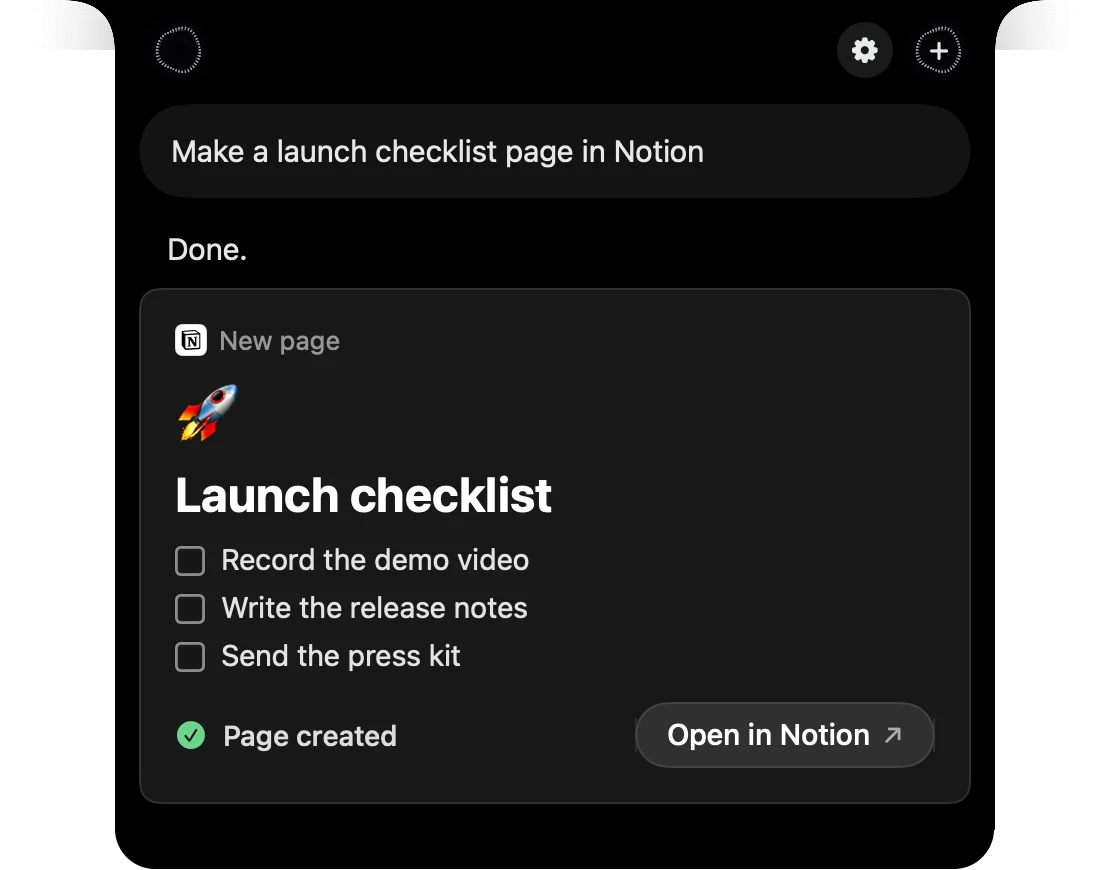
“Make a launch checklist page.”
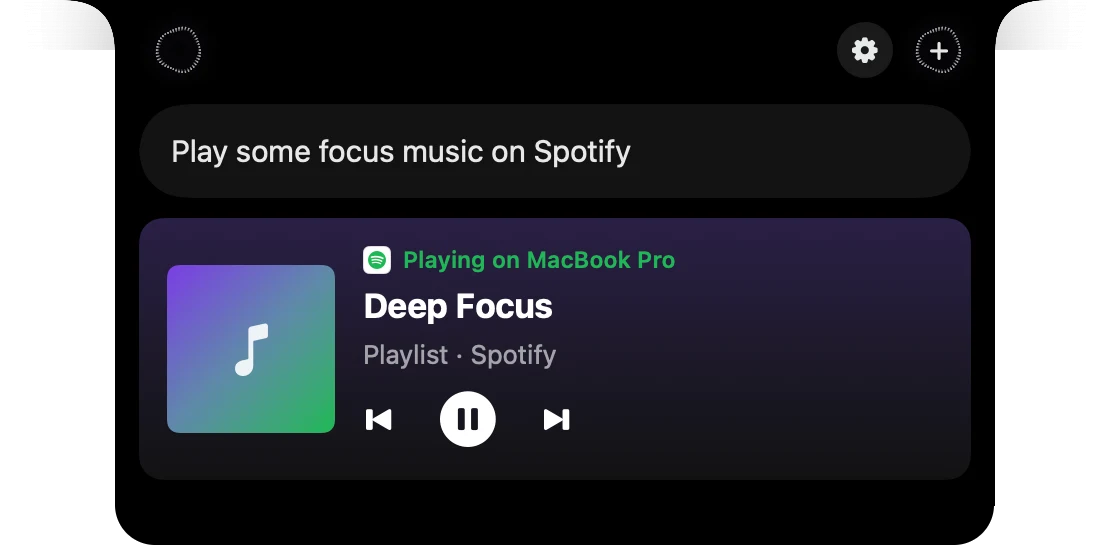
“Play some focus music on Spotify.”
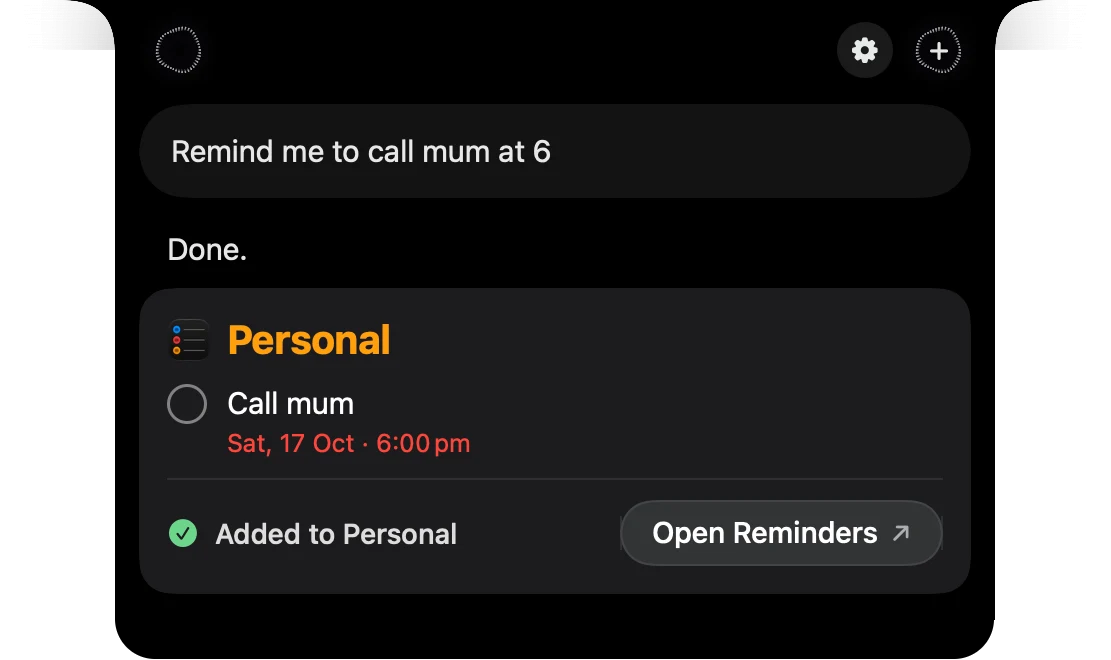
“Remind me to call mum at 6.”
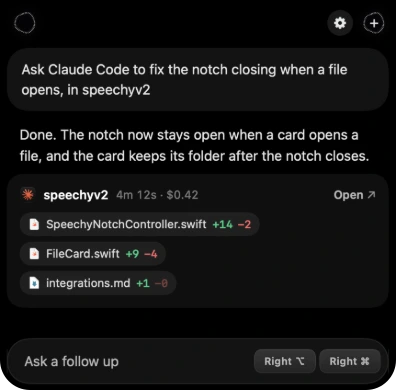
Give a task to Claude Code or Codex.
Connect Gmail, Slack, Notion and 1,000+ more. Ask what’s in them, or tell Speechy what to do.
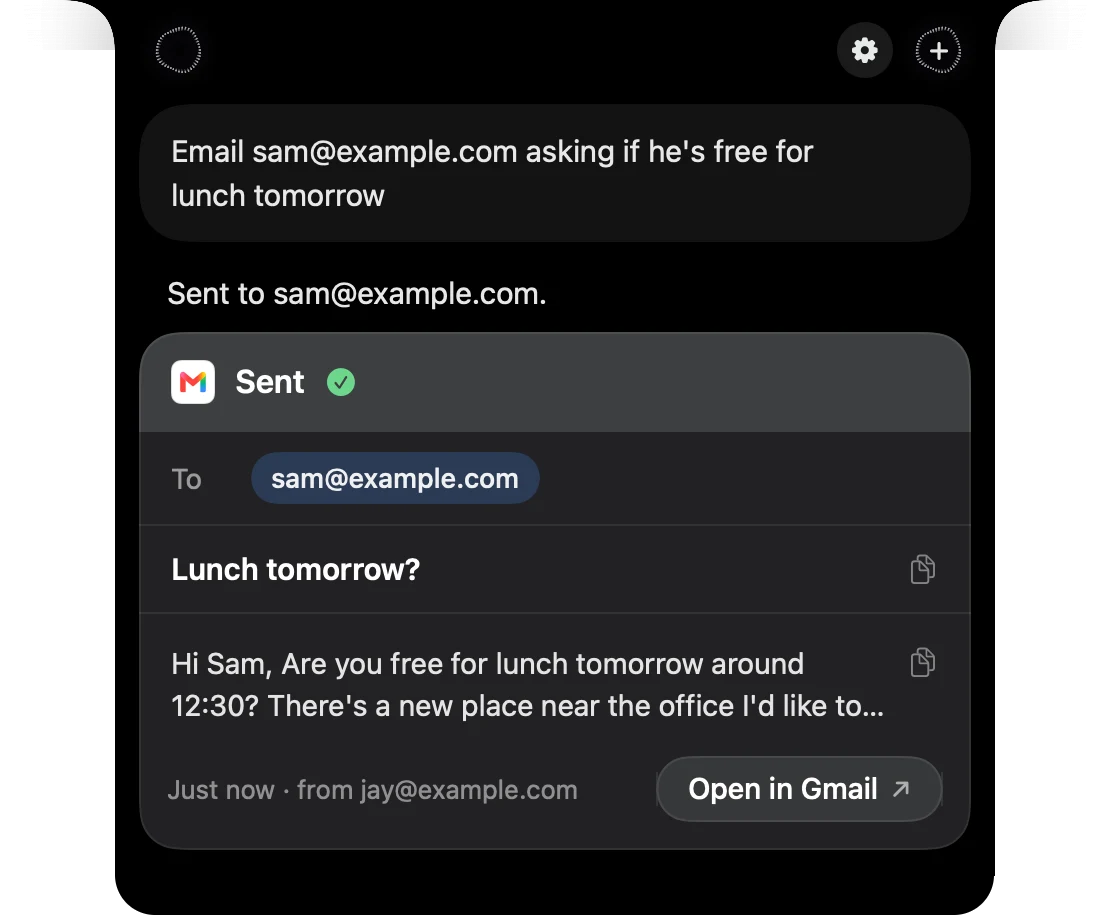
See all integrations Gmail: “Email Sam about lunch tomorrow”
 Slack: “Tell launch war room I’m ten minutes late”
 Messages: “Text Mia on my way, see you in 10”
 Notion: “Make a launch checklist page”
 Music: “Play my Best Songs playlist”
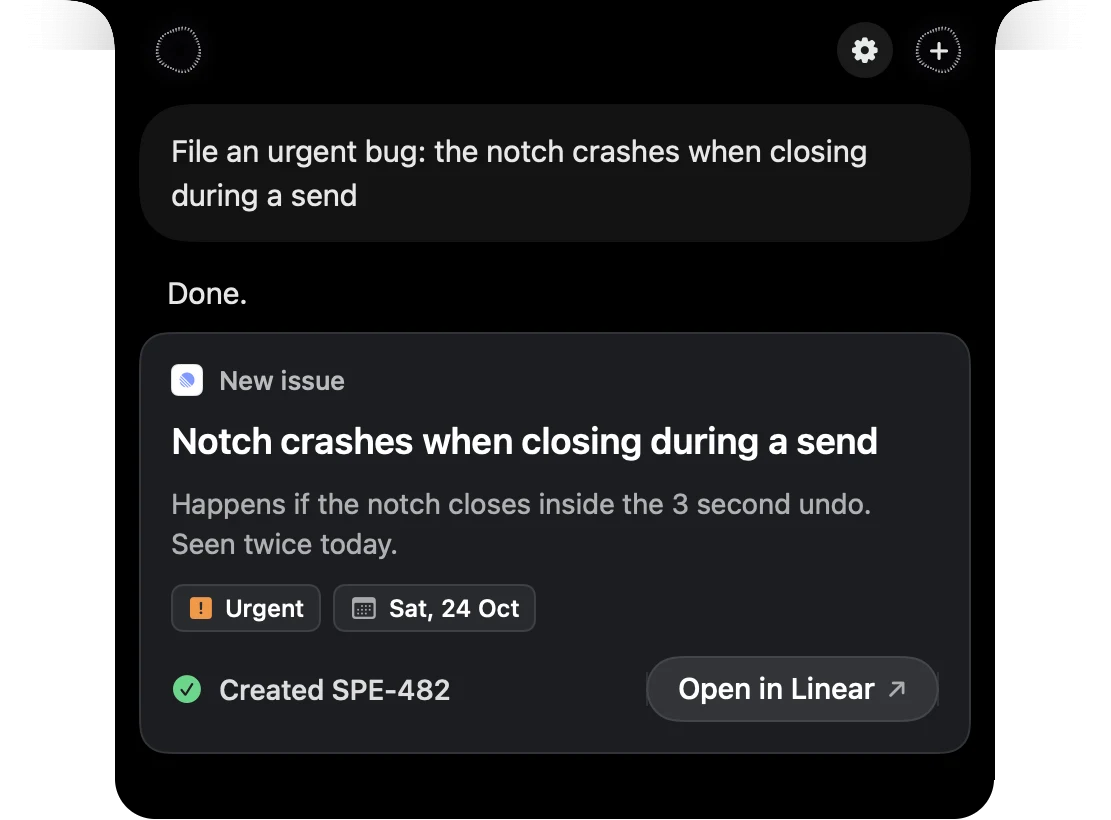
 Linear: “File an urgent bug”
 Spotify: “Play some focus music”
 Reminders: “Remind me to call mum at 6”
 Outlook: “Reply to Sam that the invoice looks good”
 Microsoft Teams: “Tell the design team I’m running late”
 Mail: “Find the invoice from Sam”
 Notes: “Add oat milk to my shopping list”
 Google Calendar: “Dinner with Mia Thursday at 7”
 GitHub: “Open an issue for the weather card”
 Google Drive: “Share the launch deck with Alex”
 Jira: “Move SPE-482 to done”
 Finder: “Find my invoices from September”
 Google Tasks: “Add book flights to my tasks”
Speechy does it right there, then shows you what it did from your notch.
See Assistant