 Typing in Messages
 Typing in Notes
 Typing in Notion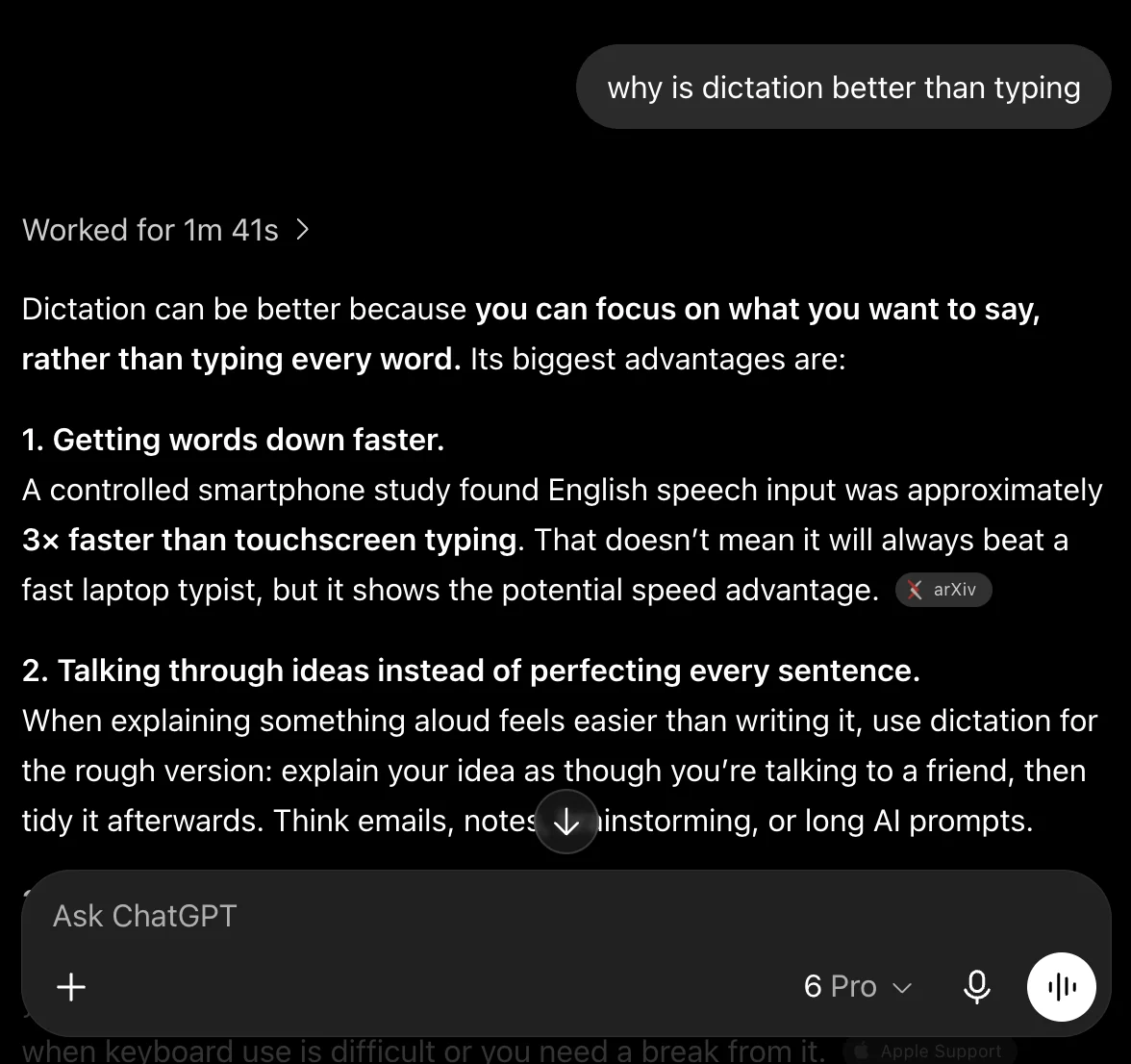

01Click where you type
Open a message, note, or email. Click where you want your words to go.
Speechy turns your voice into text right here, so your voice is never uploaded. Turn Wi-Fi off and it keeps typing.
3-day free trial · Cancel anytime

 New Message
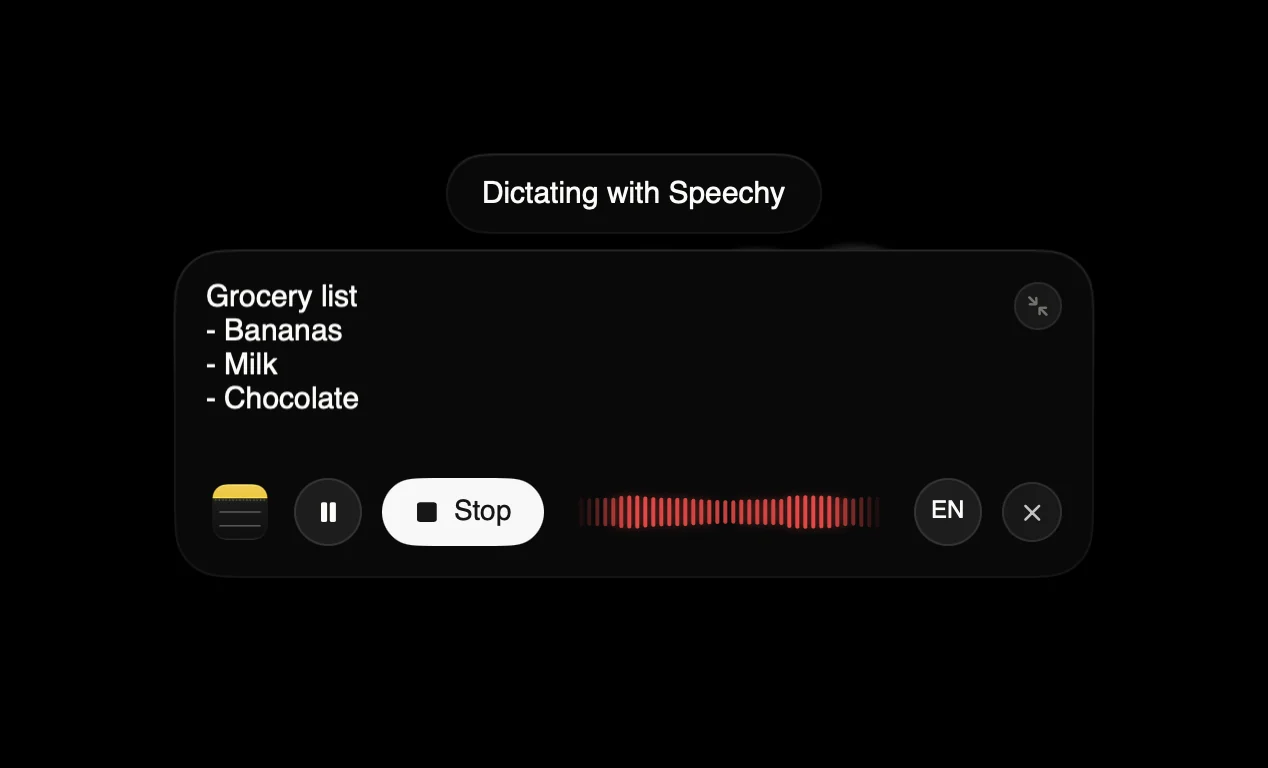
A demo of dictation: spoken words land as clean text, with Wi-Fi off too, in Mail, Slack and Cursor.
A Mac keyboard with the fn key highlighted: hold fn and Speechy types into Messages, Notes, Mail, Notion, or any other app.
No more switching to a dictation window. Hold Fn anywhere on your Mac and Speechy types right where your cursor is.
Speechy recognizes your voice and helps filter out the people speaking around you.
Train Speechy to recognize you. With Only my voice on, it helps filter out nearby speakers and keeps learning your voice as you dictate. Everything stays on your Mac.
A padlock holding your voice: it never leaves your Mac.
Transcription runs on your Mac, and your audio is never uploaded. Turn Wi-Fi off and it keeps typing.
The everyday cleanup that makes dictation read like you typed it.
Speechy makes prompting faster and more natural.
Open a message, note, or email. Click where you want your words to go.
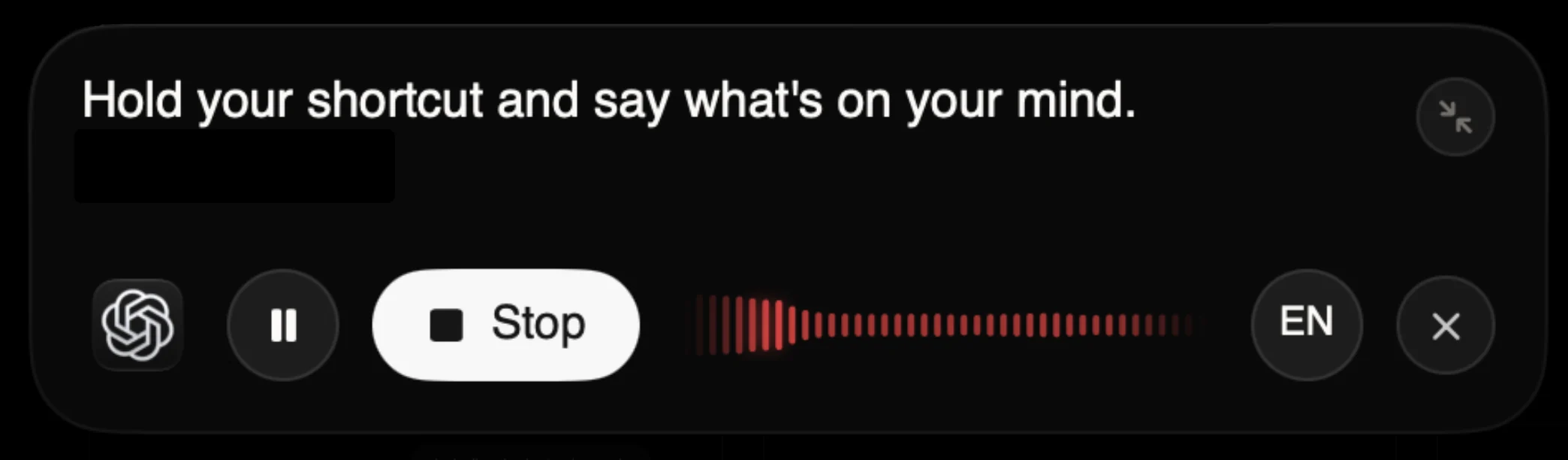
Hold your shortcut and say what’s on your mind. Speechy handles the punctuation.
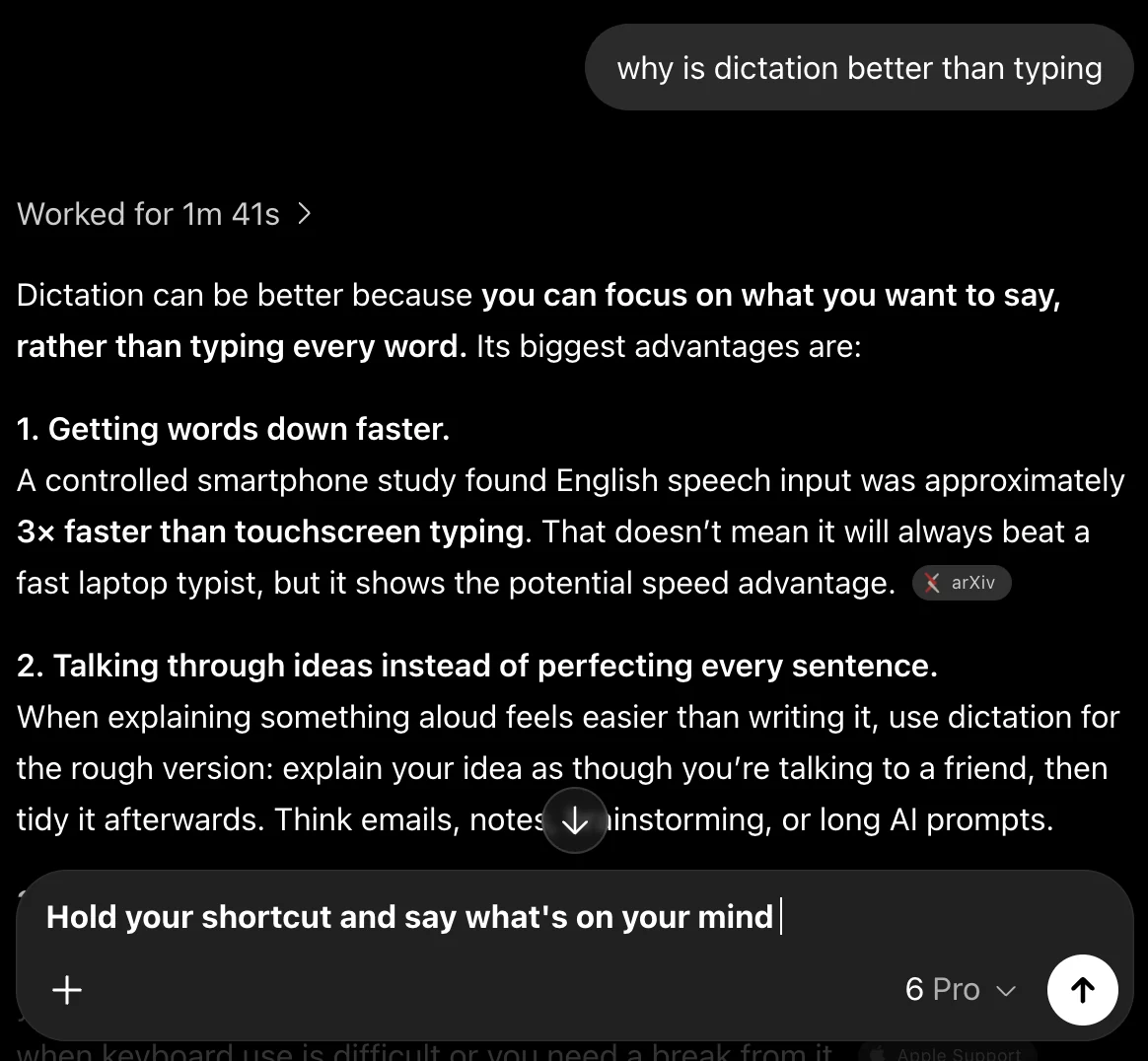
Release your shortcut. Your words appear right where you’re working.