 Writing in Mail
 Writing in Notion
 Writing in Reminders
Typing it out
18 minutes
For the whole draft, at 45 words a minute.
Emails, updates, plans and ideas. Hold Fn, speak, and Speechy types clean, punctuated text wherever your cursor is.
Reply to customers, partners and investors in Mail or Gmail by speaking instead of typing.
Talk through an investor update, a hiring plan or a product idea in Notion or Google Docs, then tidy it up.
Hold Fn and say the idea into Notes or Reminders the moment it shows up.
Where you’d be on an 800-word update at the moment Speechy finishes it.
18 minutes
For the whole draft, at 45 words a minute.
4 minutes
For the same draft, 4x faster with Speechy.
14 minutes back on every update.
That’s about 12 hours across a year of weekly team updates.
Illustrative: typing at 45 words a minute, and Speechy at 4x that. Your own speeds will vary.
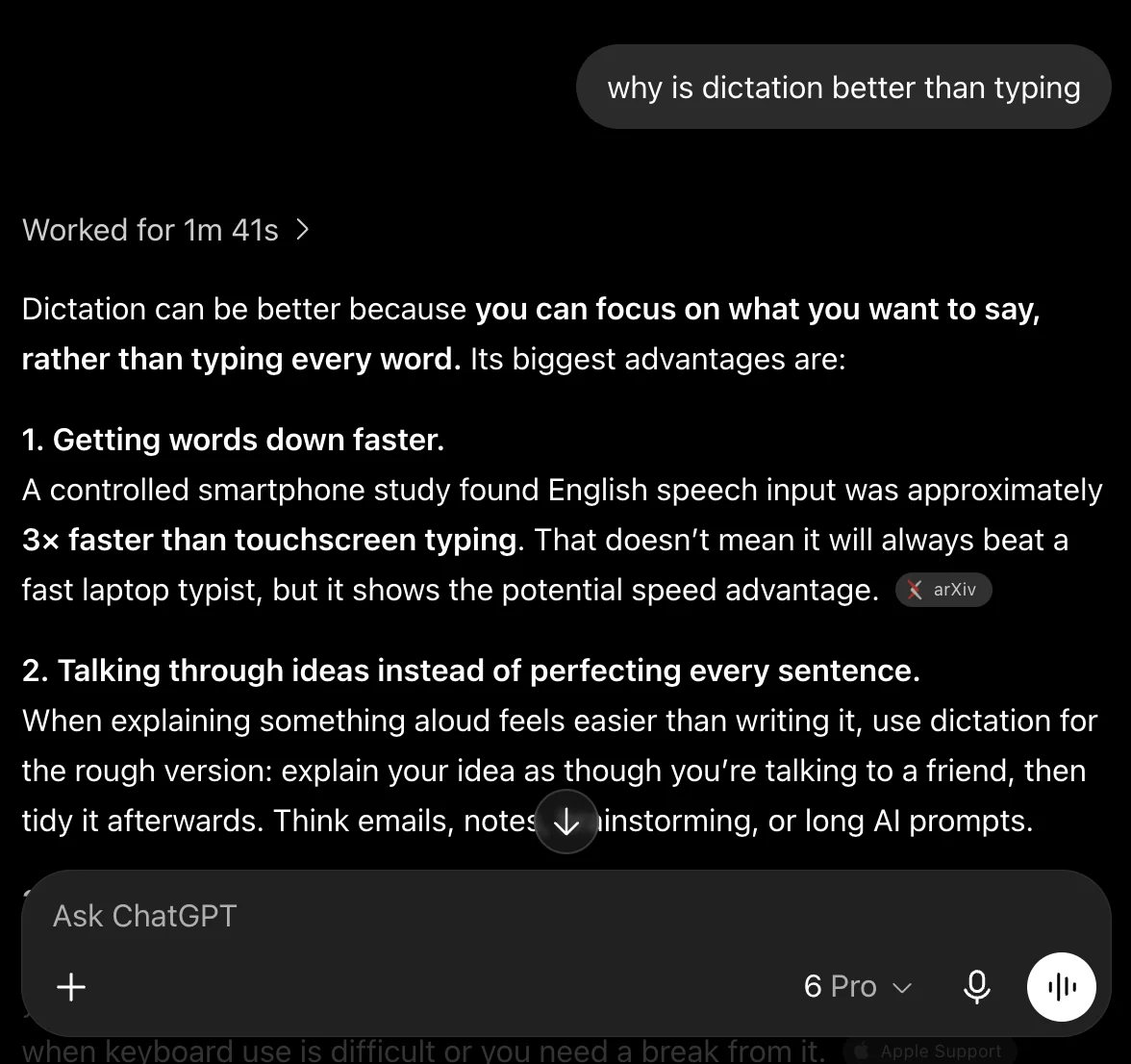
Talk a plan or a pitch through with ChatGPT, out loud.
Open a message, note, or email. Click where you want your words to go.
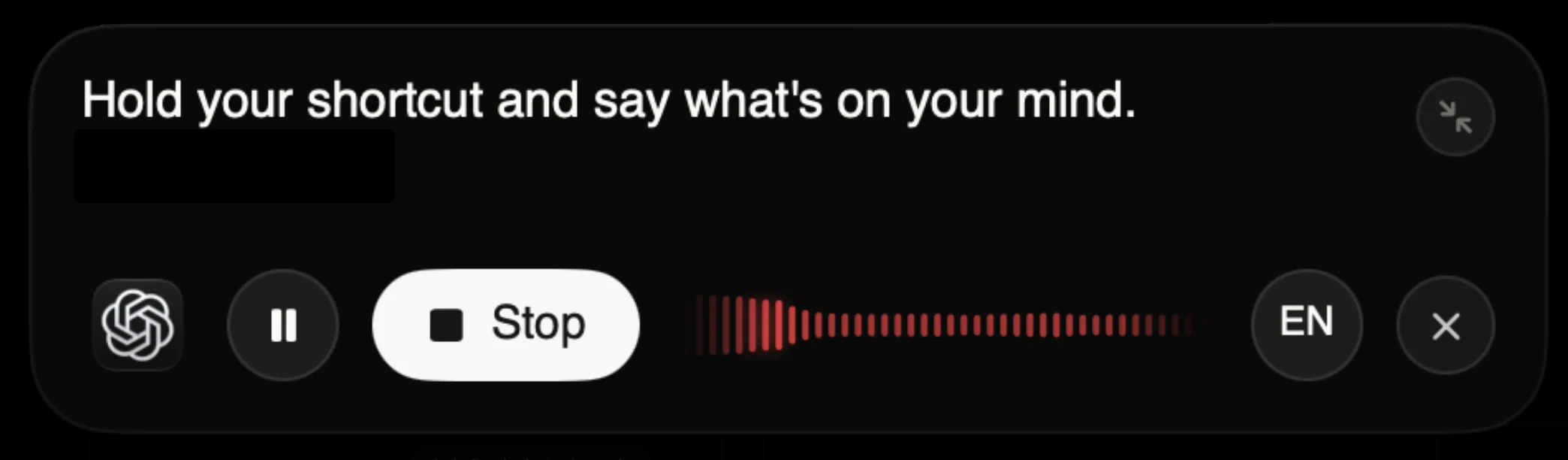
Hold your shortcut and say what’s on your mind. Speechy handles the punctuation.
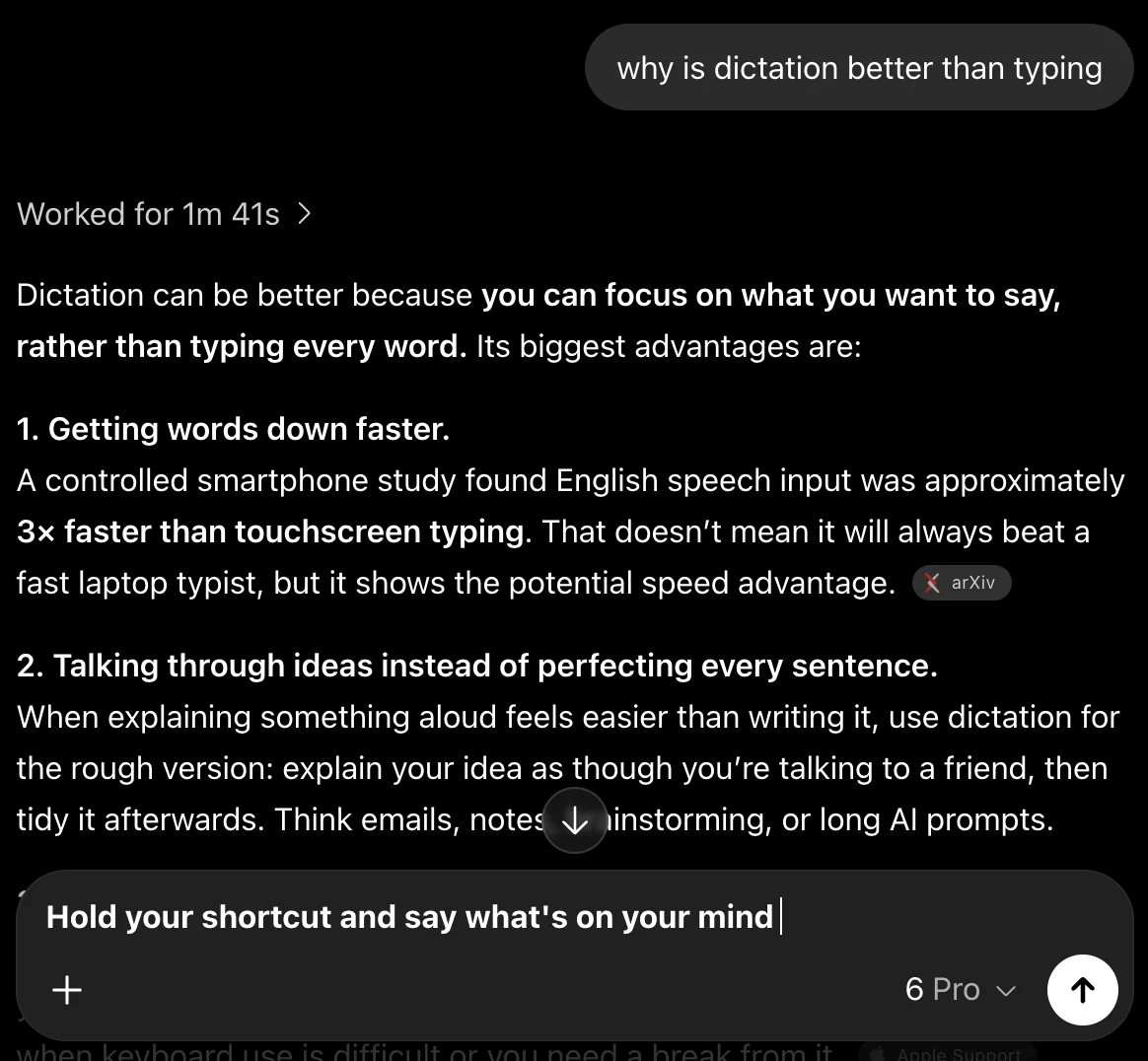
Release your shortcut. Your words appear right where you’re working.
Speechy transcribes your voice on your device. No uploads, no outside servers.
Speechy is a dictation app for your Mac. Hold a key, say what you want to write, and clean, punctuated text appears wherever your cursor is: emails, messages, documents, notes, or code.
Yes. Speechy removes filler words, handles corrections like "at 8, sorry, make it 9", and formats numbers, dates, emails, links, and lists. It also adjusts to the app you are in, keeping chat casual and code as code. You can say punctuation out loud or say "scratch that" to remove your last sentence.
Free is $0 and keeps dictation unlimited. Pro is $20 a month, or $16 a month billed yearly at $192. Max is $100 a month, or $80 a month billed yearly at $960. Prices are in US dollars before tax.
A Mac with Apple silicon running macOS 14 or later. Smart polish uses Apple Intelligence on Macs that support it, or an on-device model you can download instead. Speechy is Mac only for now, with no Windows or iPhone version yet.
Hold Fn, speak, and clean text lands in any app on your Mac.