Plan usage and limits beside the camera
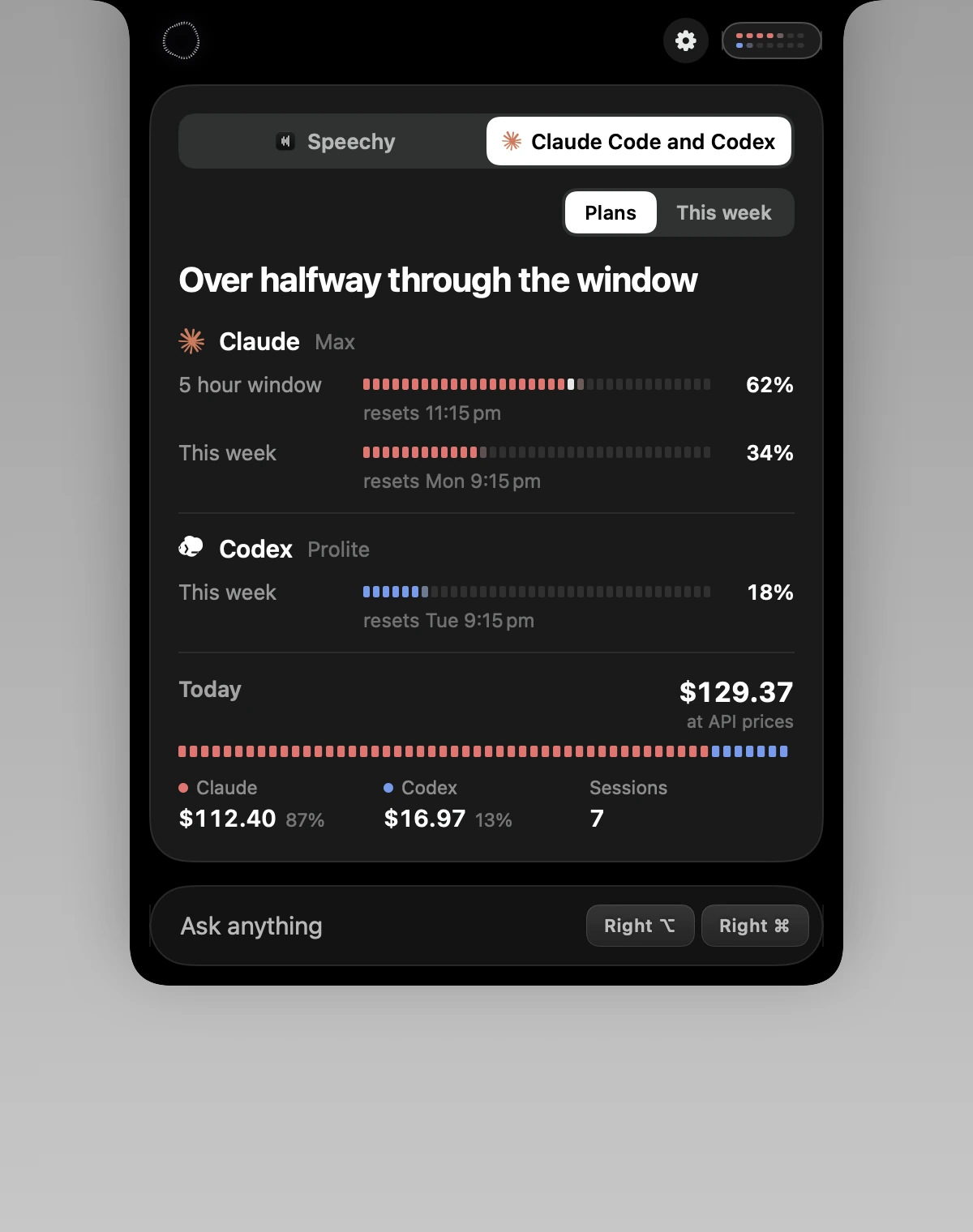
Turn on Show usage in the notch and Speechy puts your Claude plan usage left of your Mac's camera and Codex's right of it, as small dot bars. Hover for the percentages, or open the usage card for each plan's 5 hour and weekly windows, reset times and today's spend. The numbers come from Claude Code and Codex on your Mac.
How to use Plan usage and limits beside the camera
Turn it on
In Settings, General, Claude Code and Codex.
Glance at the notch
Claude on the left in coral, Codex on the right in blue.
Hover for numbers
Percentages, and a pace dot for how far into the window you are.
Open the usage card
Both plans, reset times, today's spend and the week.

What you do, what you see
Speechy's notch
You do
“Glance up while Claude Code works”
You get
Claude's bar fills as its 5 hour window is used and turns amber near the limit.
Speechy's notch
You do
“Ask "how much Claude do I have left?"”
You get
Both plans' 5 hour and weekly use, with when they reset.
Speechy's notch
You do
“Run out of Claude's 5 hour window”
You get
A countdown to the reset, and how much of Codex's plan is left for new work.
Show it, or keep the notch simple.
In Speechy, Settings, General, Claude Code and Codex. It stays off until you turn it on.
- Show usage in the notchPlan usage beside the camera and a usage cardOnOff
Questions
No. It reads the usage Claude Code and Codex record on your Mac and asks the CLIs for your limits. It reads no keys or credential files.
Plans without a 5 hour window show their weekly limit instead.
What the same work would cost at API list prices. Plans charge a fixed price, so it's a measure of use, not a bill.
Switch off Show usage in the notch in Settings, General, or Claude and Codex usage in the side notch's Settings.