 Prompting in Claude
 Writing in VS Code
 Writing in Notion
Typing it out
11 minutes
For the whole draft, at 45 words a minute.
Speechy types what you say into Cursor, VS Code, Xcode, Terminal, ChatGPT and Claude. Explain the whole problem out loud instead of typing a shorter version.
Describe the bug, what you expected and what you already tried, in Cursor, ChatGPT or Claude. Long, specific prompts are easier to say than to type.
Say what changed and why, right in your editor or terminal. Speechy adjusts to the app you’re in and keeps code as code.
Add library names, product terms and teammates’ names to your dictionary, and set replacements for words it keeps mishearing.
Where you’d be on a 500-word prompt at the moment Speechy finishes it.
11 minutes
For the whole draft, at 45 words a minute.
3 minutes
For the same draft, 4x faster with Speechy.
8 minutes back on every detailed prompt.
That’s about 3 hours across a month of workdays.
Illustrative: typing at 45 words a minute, and Speechy at 4x that. Your own speeds will vary.
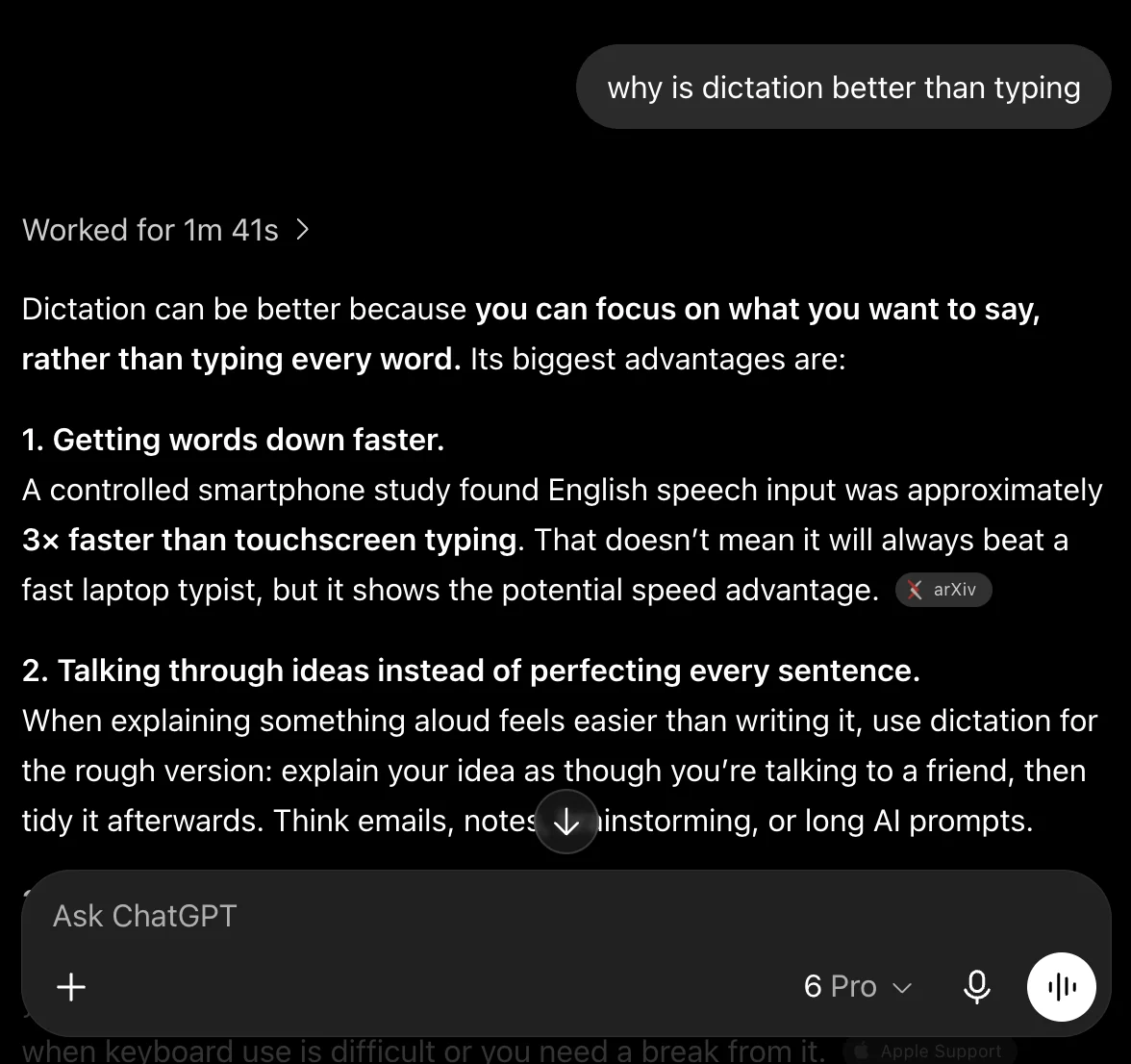
Give ChatGPT the full context of a bug, out loud.
Open a message, note, or email. Click where you want your words to go.
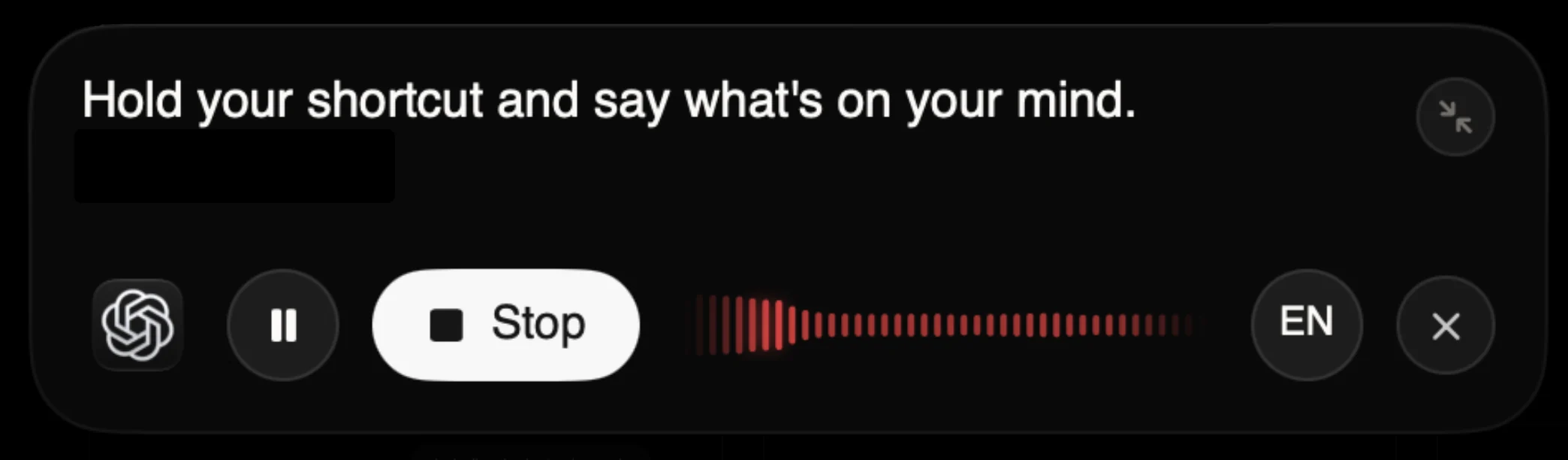
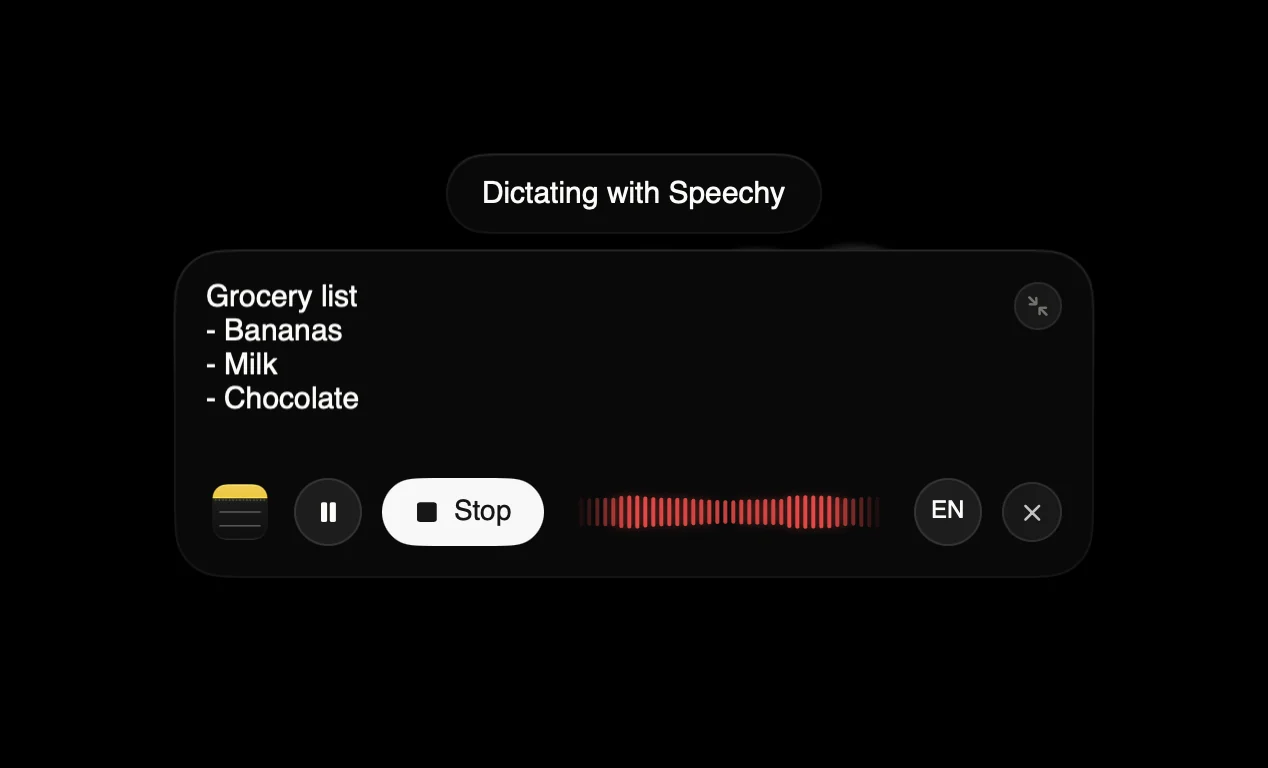
Hold your shortcut and say what’s on your mind. Speechy handles the punctuation.
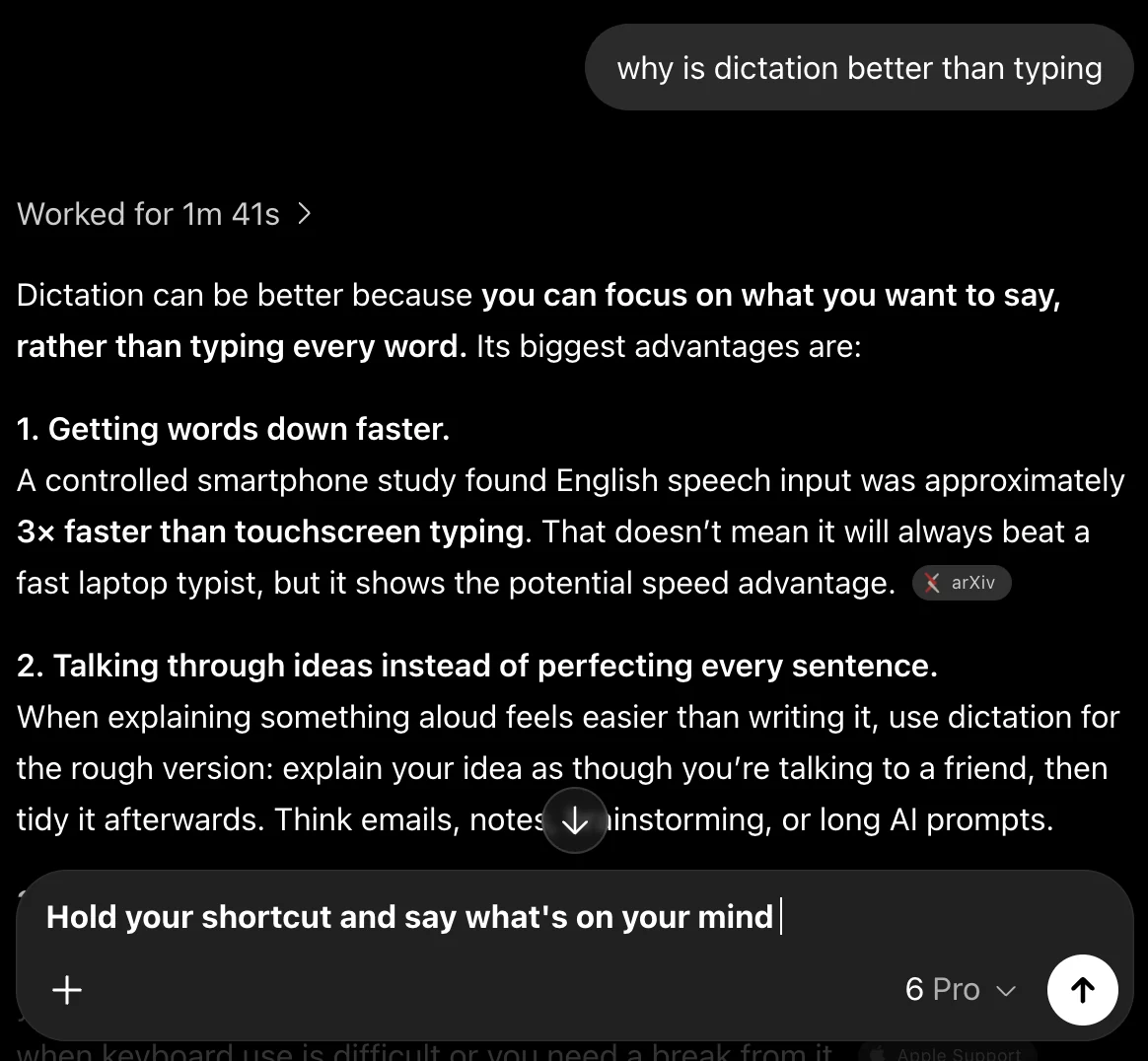
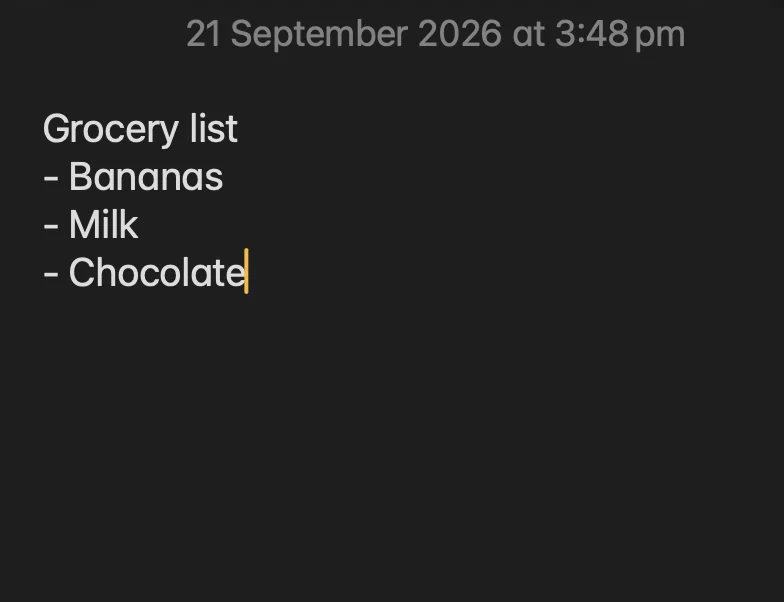
Release your shortcut. Your words appear right where you’re working.
Speechy transcribes your voice on your device. No uploads, no outside servers.
Yes. Speechy removes filler words, handles corrections like "at 8, sorry, make it 9", and formats numbers, dates, emails, links, and lists. It also adjusts to the app you are in, keeping chat casual and code as code. You can say punctuation out loud or say "scratch that" to remove your last sentence.
Yes. Add names, product terms, and jargon to your dictionary so Speechy spells them right. You can also set replacements for words it keeps mishearing, and snippets that expand a short phrase into longer text you use often.
Hold the Fn key, speak, and let go. For longer thoughts, tap Fn once to start and tap again to stop. Speechy types your words into the app you are using, so there is nothing to copy and paste. A small floating pill shows when Speechy is listening, and you can pick a different shortcut in Settings.
Speech recognition and cleanup run on your Mac with on-device models, so your recordings are not sent to Speechy to be transcribed. Speechy downloads its voice model once during setup, and after that dictation does not need an internet connection. Your dictation history stays on your Mac.
Hold Fn, speak, and clean text lands in any app on your Mac.