Top 10 AI Tools for Student Note-Taking in 2025
Explore the top AI tools for note-taking in 2025, designed to enhance student productivity and streamline study processes.
Today’s students often miss key lecture points while trying to keep up with manual notes. AI note-taking tools solve this by automating transcription, organizing notes, and summarizing content. Here’s a quick look at the top tools of 2025:
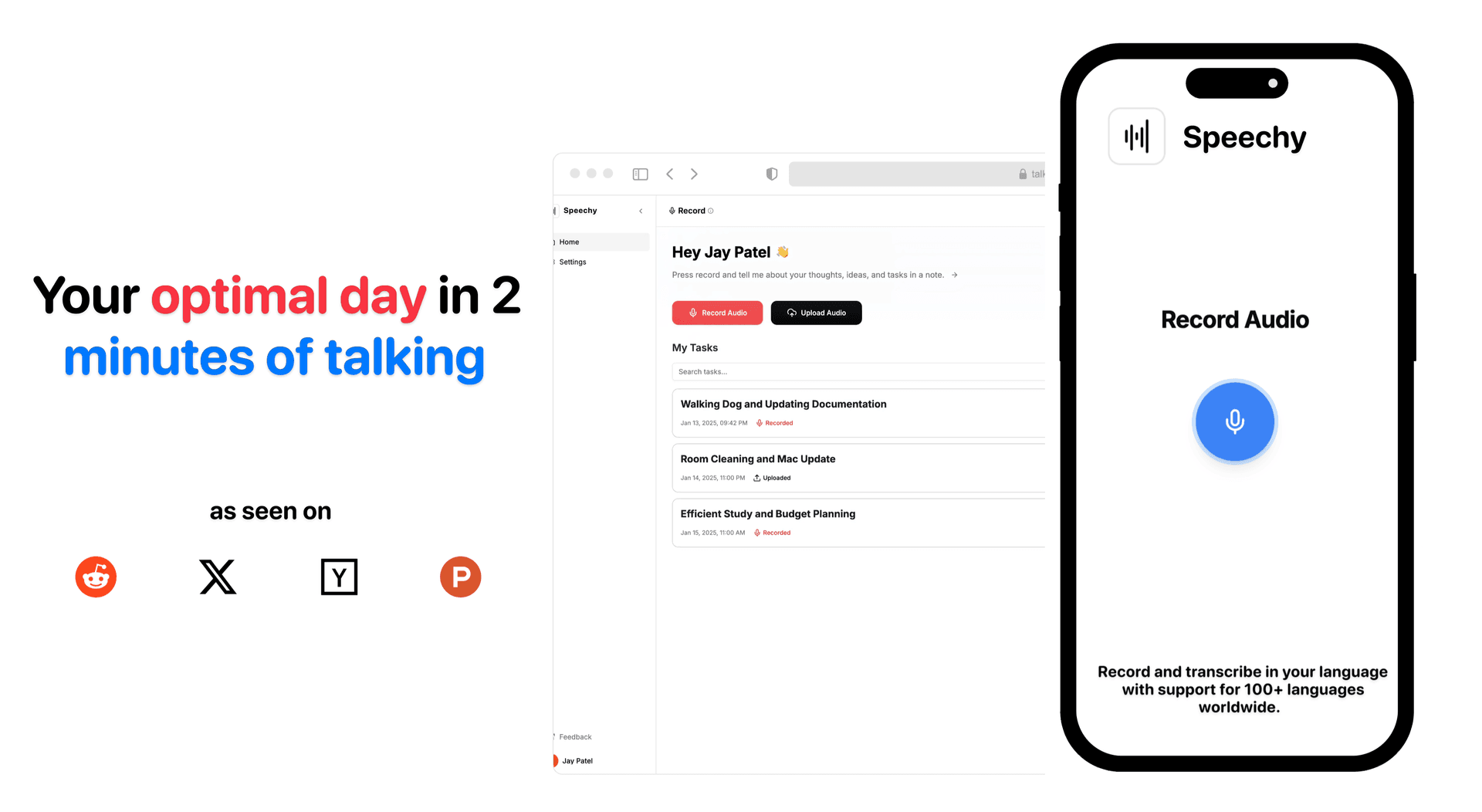
- TalkNotes: Converts voice to text in 1000+ languages, creates summaries, notes, todos, flashcards, and saves 5 hours weekly.
- RemNote: Combines note-taking with AI flashcards and spaced repetition for better retention.
- Notion AI: Manages tasks, summarizes content, and integrates with other tools for seamless workflows.
- Otter AI: Transcribes lectures with 85% accuracy and syncs with platforms like Zoom and Google Meet.
- Mem: Links related notes automatically and offers AI-powered study assistants.
- Glasp: Focuses on web research with AI highlights, summaries, and Kindle integration.
- Google Notebook LM: Organizes, summarizes, and analyzes study materials using Google AI.
- Structured: Simple tool for organizing study tasks and notes with future AI updates.
- Restream's Transcription Tool: Free transcription tool with 99% accuracy and unlimited recording.
- Transcribe AI Voice to Text: Real-time transcription with YouTube integration and grammar assistance.
Quick Comparison
| Tool | Best For | Key Feature | Cost (Monthly) |
|---|---|---|---|
| TalkNotes | Language Support, Unlimited Generations | Voice-to-text in 100+ languages | $9 |
| RemNote | Study Efficiency | AI flashcards with spaced repetition | $8.00 |
| Notion AI | Project Management | Task creation and summarization | $22.00 |
| Otter AI | Lecture Transcription | Real-time captions and summaries | $16.99 |
| Mem | Collaboration | AI collections and Mem Chat | $14.99 |
| Glasp | Online Research | AI-powered highlights and summaries | Free |
| Google Notebook LM | Document Analysis | AI study guides and privacy-first | Free |
| Structured | Task Organization | Simple note management | TBD |
| Restream Transcription | Free Transcription | 99% accuracy and unlimited duration | Free |
| Transcribe AI | Real-time Transcription | YouTube integration and grammar help | $4.99 |
These tools are transforming how students learn, making note-taking faster, more accurate, and easier to manage. Dive into the article to find the best fit for your needs.
Best AI Note Taking Apps 2025
1. TalkNotes
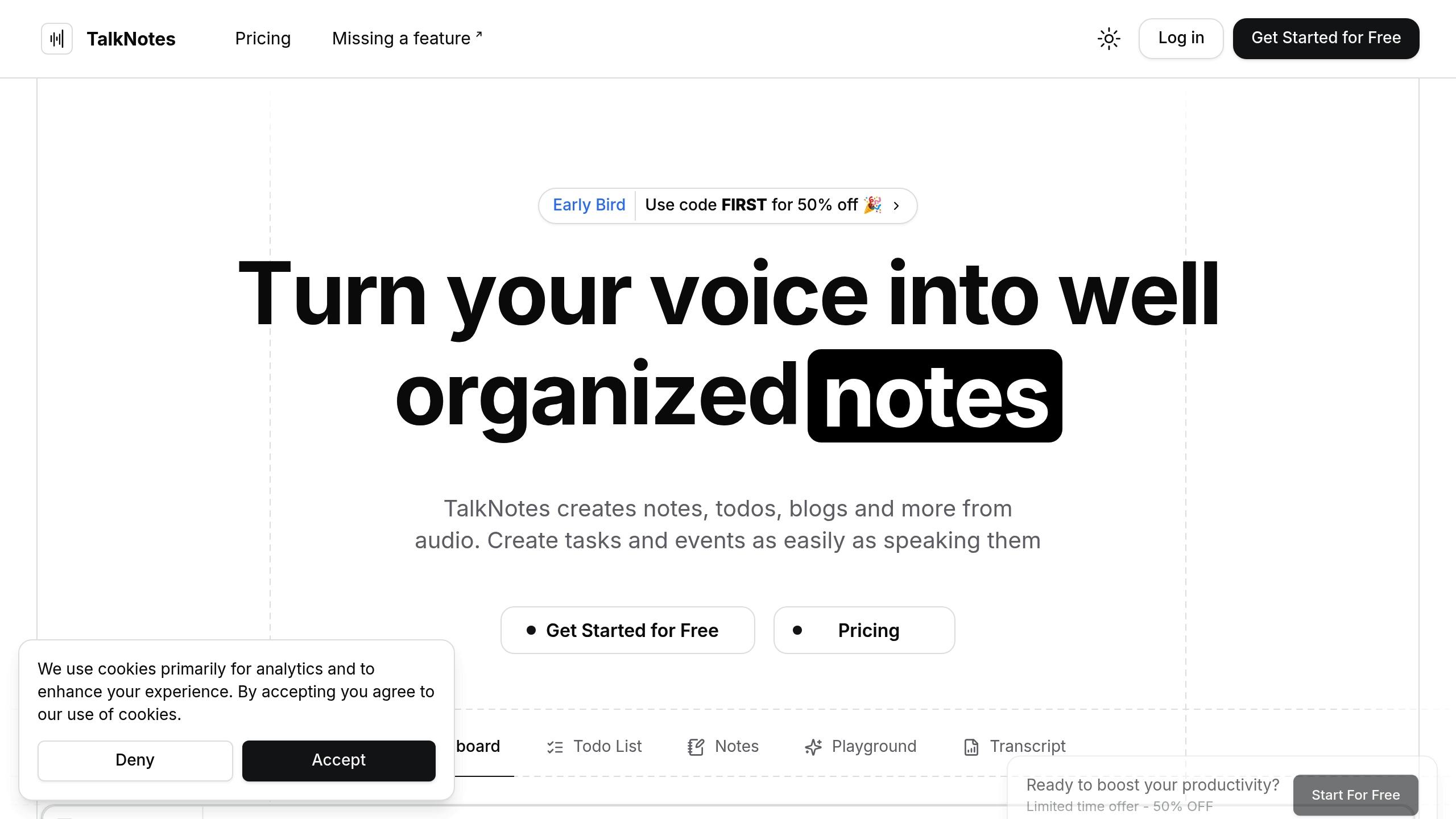
TalkNotes is an AI-powered tool designed to turn voice recordings into well-organized notes, todos, journal and over 20+ formats in over 100 languages [4].
Why Students Love It
The AI engine behind TalkNotes simplifies studying by converting lectures into structured materials. Students can record lectures and the tool automatically organizes the content into summaries, flashcards, or task lists. This makes it easy to adapt notes to various subjects and learning preferences [4].
Save Hours Every Week
On average, students report saving hours per week using TalkNotes. Instead of scrambling to type everything during a lecture, they can focus on understanding the material while the AI handles transcription.
| Feature | Benefit for Students |
|---|---|
| Voice-to-Text | Accurate transcription in 100+ languages |
| Smart Templates | Ready-made formats like study guides and flashcards |
| Export Options | Save notes as PDF, Markdown, or plain text |
| Integration | Connects with apps via Zapier for smooth workflows |
How It Helps in Real Life
TalkNotes is great at breaking down complex lectures into easy-to-understand formats.
Pricing Details
The service starts at $9 per month, with an annual plan costing $90 (around $7.50 per month). A limited free trial is available for first-time users.
Next, let’s take a look at another tool that elevates note management even further.
2. RemNote
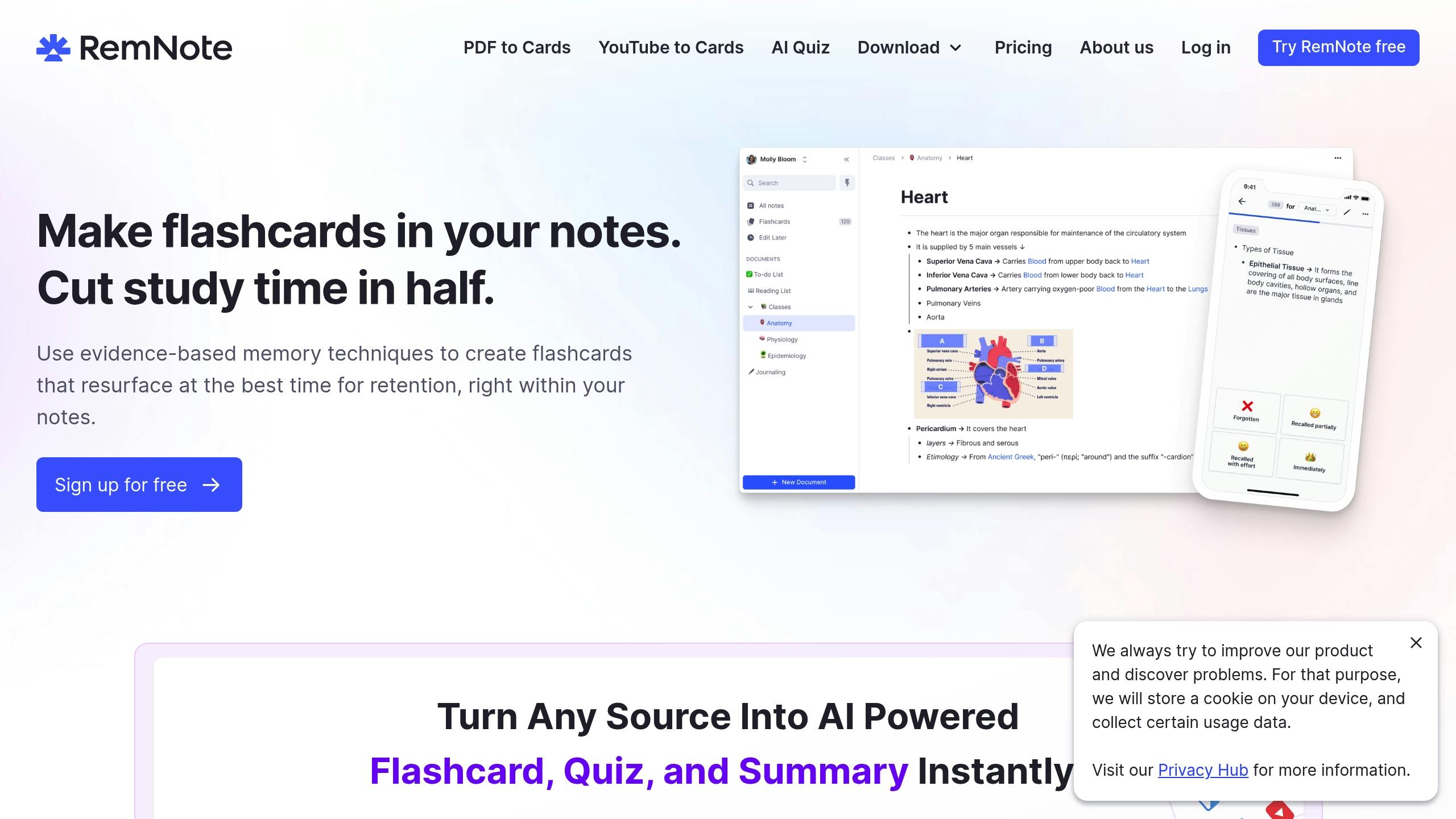
RemNote is a knowledge management tool powered by AI, trusted by over 1 million students to simplify note-taking and studying [7].
Smarter Learning with AI
Beyond just capturing notes, RemNote boosts study efficiency with its AI-driven features. It can create flashcards, summarize texts, and even provide personalized help through an AI tutor that analyzes documents [8][9].
Spaced Repetition Made Simple
RemNote uses a spaced repetition system to help students learn more effectively. It focuses on reviewing tougher concepts more often while reducing repetition for topics already mastered [6].
| Learning Metric | Impact |
|---|---|
| Exam Stress | 89% of students feel less stressed [7] |
| Flashcard Creation | 0.43 seconds per card [7] |
| Retention | Automated review scheduling |
| Study Efficiency | Custom testing intervals |
Organizing Made Easy
With features like bi-directional linking, nested notes, PDF annotations, and offline syncing across devices, RemNote makes it easier to manage complex information [7].
What Could Be Better?
Some users feel the mobile experience could use improvement, and beginners may need extra time to get comfortable with the interface [8]. Addressing these points could make it even more effective for students.
RemNote supports multiple languages and is compatible with Mac, Windows, Linux, Android, and iOS [10]. The RemNote Clipper Chrome extension also lets users quickly save and highlight online content [10].
3. Notion AI
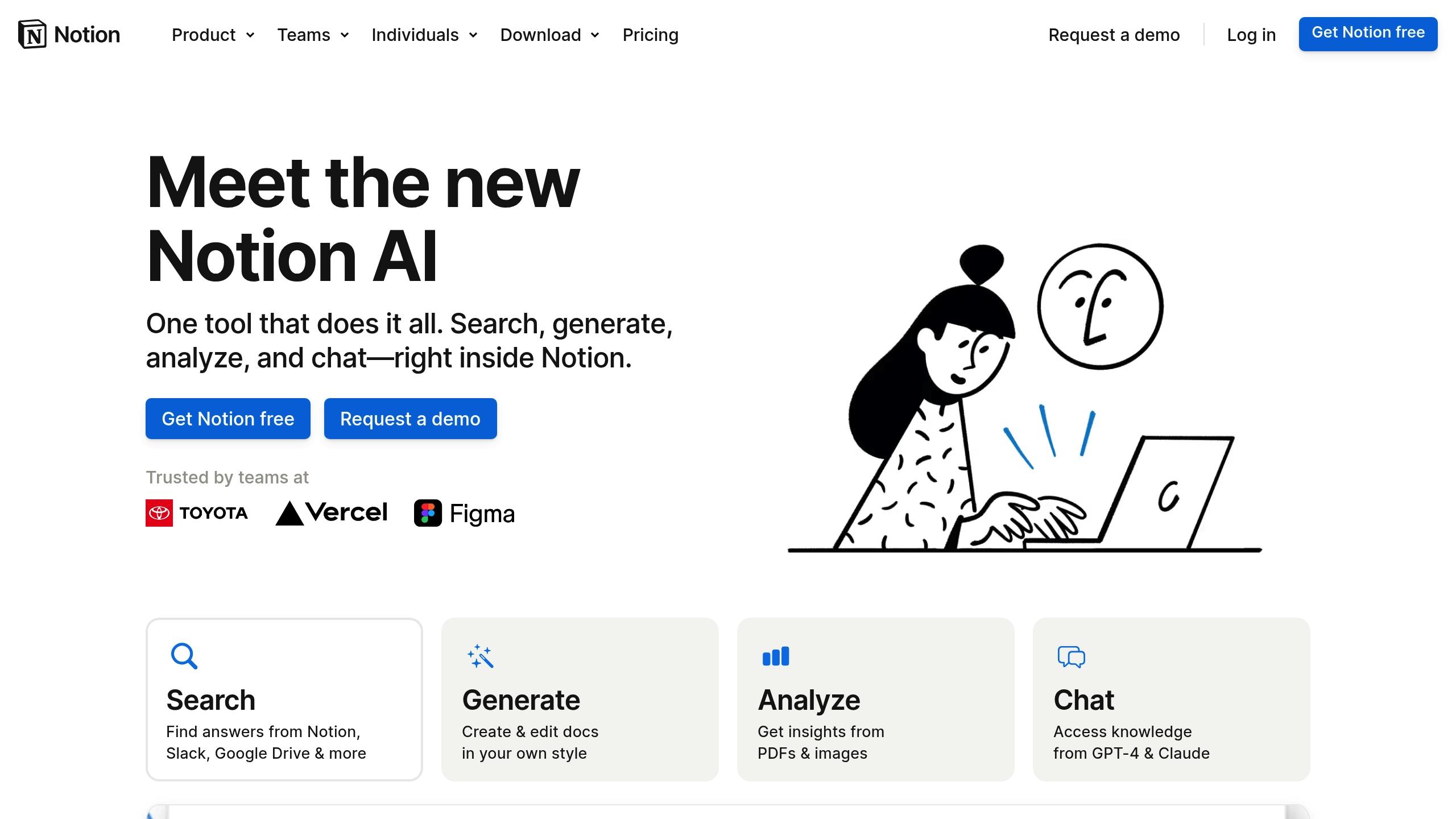
Notion AI helps students manage their notes and tasks more effectively with its AI-powered features. It can create tasks and study templates from your notes, draft essays, and even provide answers to questions about your content for quick study references [11][3][2].
Smart Organization Features
- Task Creation: Automatically identifies and generates action items.
- Content Summarization: Breaks down lengthy materials into concise summaries.
- Template Suggestions: Offers customized study formats tailored to your needs.
- Collaboration Tools: Simplifies group project coordination.
Voice Integration Options
Notion AI supports voice transcription through third-party tools like Notis.ai, Voices.ink, and VoiceIn by Dictanote, allowing for accurate, real-time transcription [12].
Pricing Structure
The platform has a free tier with basic features. For advanced AI capabilities, premium plans start at $12 per month, with an additional $10 per month for full AI access [2].
Integration and Workflow Automation
Notion works well with tools like Google Drive, Slack, and Jira. Its public API also supports custom integrations, making it easier to manage complex research projects and group work [13]. This ensures smooth information sharing across platforms [13].
Next, we’ll explore how Otter AI expands on these features with its own set of tools.
4. Otter AI
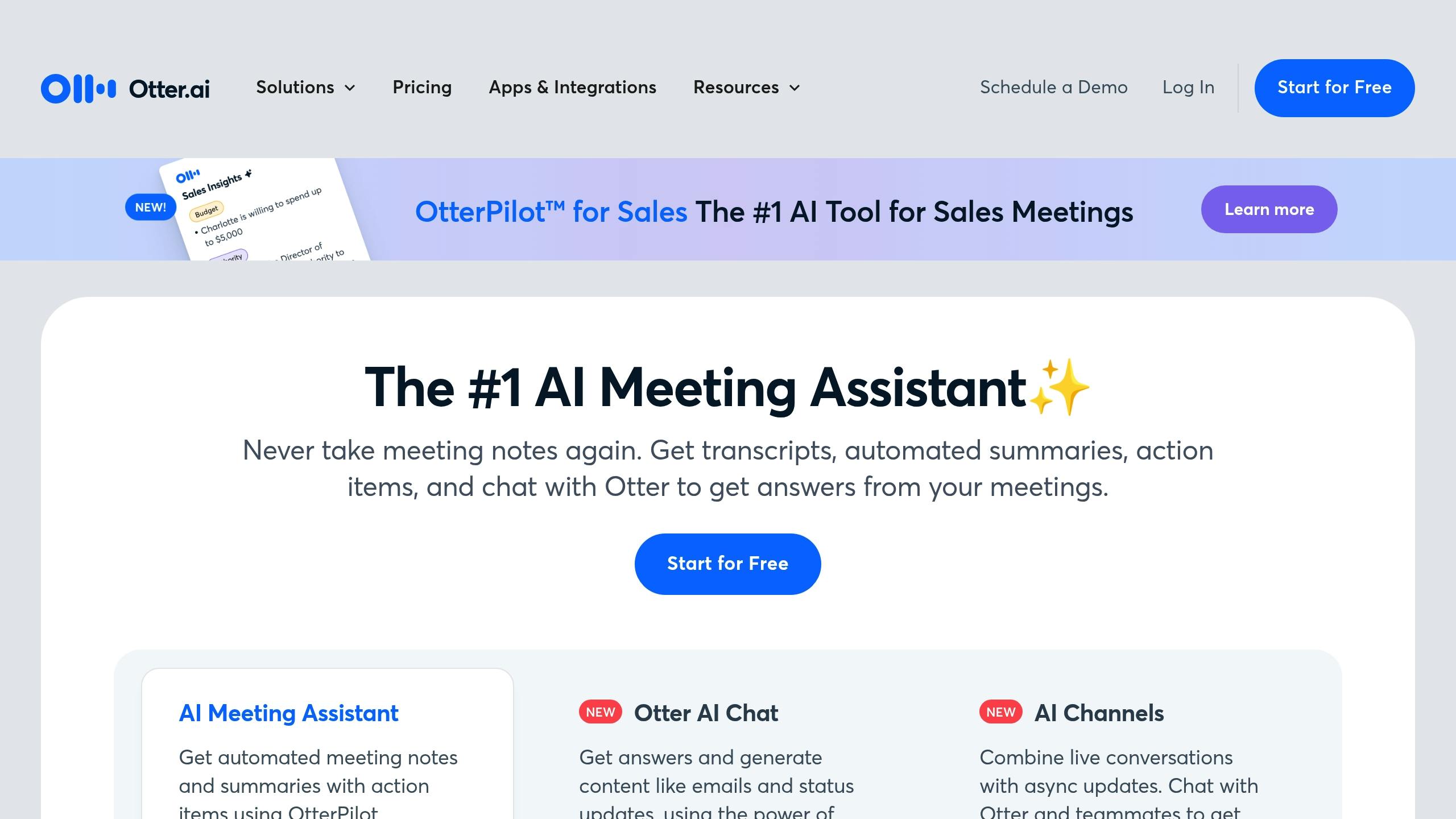
Otter AI offers a powerful way for students to transcribe and review lectures. It converts spoken lectures into text with an 85% accuracy rate and pairs this with lecture slides to create detailed study materials [16].
The platform simplifies lecture capture by providing real-time captions, automatic summaries, keyword highlights, and even image support. It also includes collaboration features, making it a great tool for group projects or shared study sessions.
Integration Capabilities
| Platform | Features |
|---|---|
| Zoom | Records and transcribes automatically |
| Microsoft Teams | Captures meetings in real-time |
| Google Meet | Generates notes automatically |
| Google/Microsoft Calendar | Schedules lecture recordings |
Smart Organization Tools
Otter AI makes it easy to manage notes with smart folders and collaboration options. It also includes an AI chatbot that can answer questions about lecture content [16].
Pricing Structure
| Plan | Cost (Monthly) | Minutes Included | Max Recording Time |
|---|---|---|---|
| Basic | Free | 300 | 30 minutes |
| Pro | $16.99 | 1,200 | 90 minutes |
| Business | $40.00 | 6,000 | 4 hours |
Language Support and Customization
Otter AI supports transcription in English, Spanish, and French [16]. Users can customize the tool with a feature that allows adding course-specific terms and names to improve transcription accuracy [15]. Its mobile-friendly design and Chrome Extension ensure that notes are always within reach.
Next, we'll look at more features that make Otter AI stand out.
5. Mem
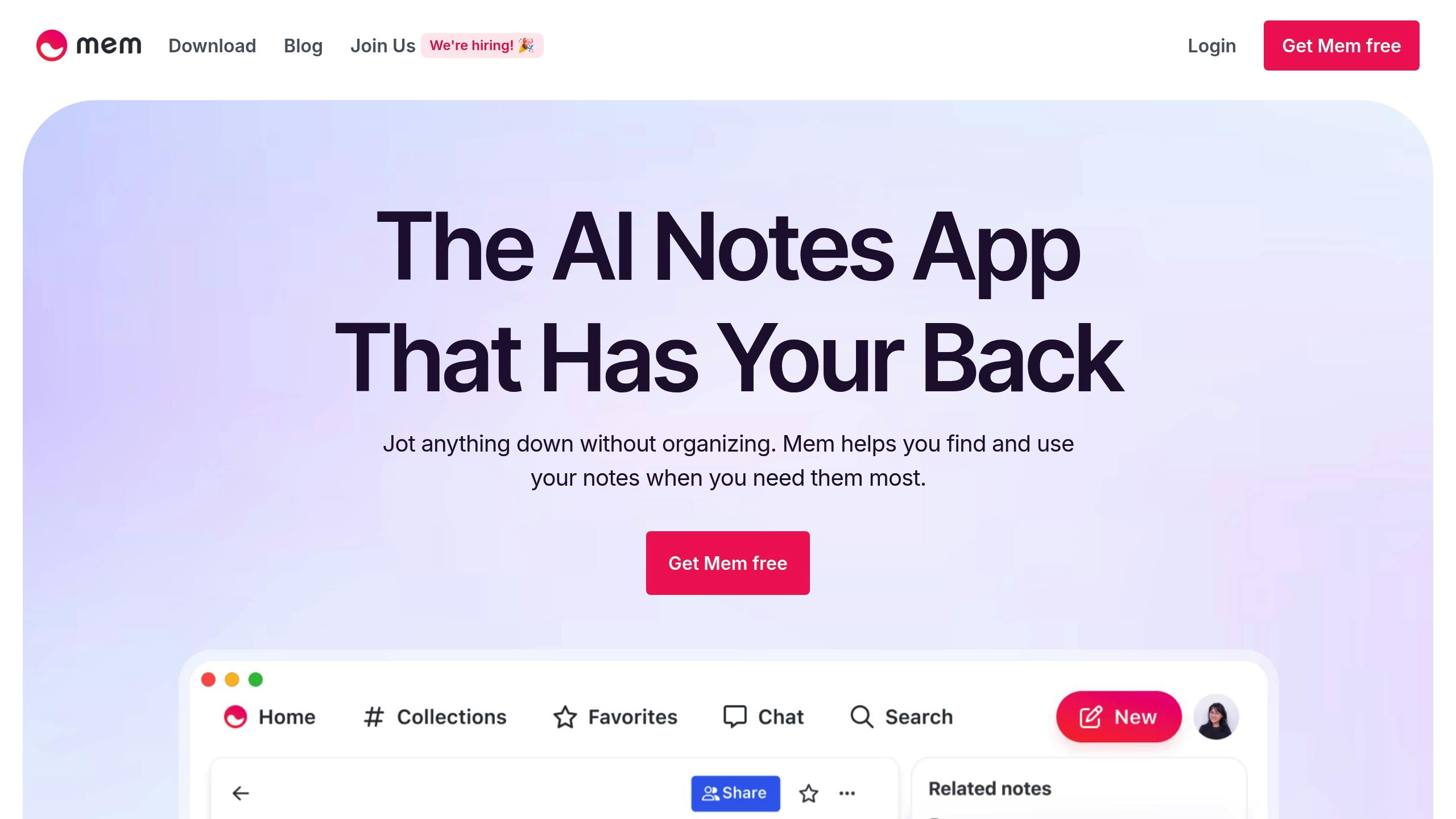
Mem is an AI-driven workspace designed to streamline how students organize and access their study materials, tailoring the experience to fit individual learning preferences.
AI-Powered Organization
Mem simplifies note management by automatically linking related information. Its Related Notes feature brings up relevant content without requiring folders or manual tags [18].
| Feature | How It Helps Students |
|---|---|
| Smart Search | Quickly finds information using natural language |
| AI Collections | Groups study materials automatically |
| Related Notes | Links related concepts for easier navigation |
| Mem Chat | Delivers answers and summarizes content using AI |
Let’s dive into how Mem’s interactive tools take studying to the next level.
Advanced Study Features
Mem Chat acts as your personal study assistant, offering tools to:
- Build detailed study guides from your notes
- Answer questions about your materials instantly
- Summarize content across multiple lectures or topics [18]
Cross-Platform Integration
Mem works seamlessly with other productivity tools via platforms like Zapier [20]. This integration allows you to:
- Turn tasks in Todoist into study notes automatically
- Gather information from multiple sources in one place
- Collaborate more effectively with classmates
Smart Organization Tools
Mem uses AI to highlight key concepts and craft personalized study materials [1]. By analyzing your note-taking habits, it suggests connections that can boost your research and exam prep efficiency [19].
sbb-itb-c8f48af
6. Glasp
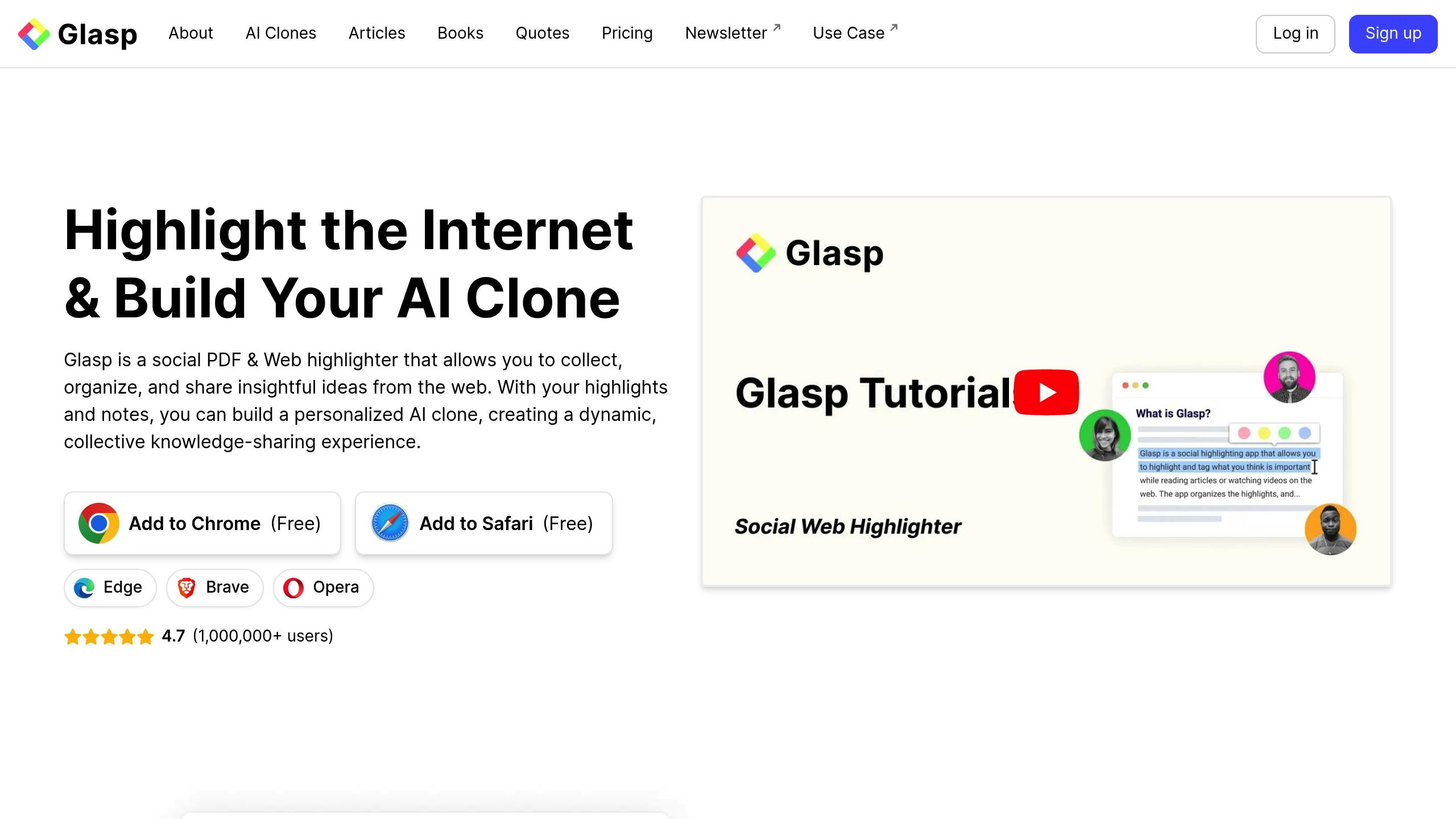
Glasp takes AI-driven note organization to the next level by focusing on online research. With over 1 million users and more than 10 million highlights [21], it’s redefining how students and professionals manage their notes through AI-powered social highlighting.
Smart Highlighting System
Glasp’s highlighting tools are designed to make studying and research more efficient. Here's how:
| Feature | How It Helps Students |
|---|---|
| Web/PDF Highlighting | Lets users annotate directly on study materials |
| Video Timestamps | Makes it easy to mark and revisit key moments in videos |
| Kindle Integration | Organizes highlights from e-textbooks seamlessly |
| AI Summarization | Creates quick, clear summaries of long academic content |
AI-Powered Learning Tools
The platform’s AI organizes your highlights by adding tags and author details, making it easier to navigate and use your notes. This feature is especially helpful for exam prep and research projects.
Works Across Multiple Platforms
Glasp is built for flexibility. You can export your notes and highlights to tools like Notion, Obsidian, Roam Research, Readwise, and Logseq. It even supports formats like CSV, Markdown, and JSON, ensuring it fits into any workflow.
Collaborative Learning Made Easy
Glasp also fosters a social learning experience. With over 50 million views [21], its platform allows students to share and discover insights from others studying similar topics.
Tools for Better Knowledge Retention
The knowledge graph feature connects concepts visually, helping users identify gaps and reinforce their learning. Plus, you can create a personalized AI clone based on your notes and highlights, offering a new way to review what you’ve learned.
7. Google Notebook LM
Google Notebook LM combines AI technology with note-taking, using Google's Gemini 1.5 Pro to help organize, analyze, and create study resources. Here’s a closer look at its standout features.
AI-Powered Study Features
| Feature | What It Does | How It Helps Students |
|---|---|---|
| Notebook Guide | Interactive Q&A system | Offers tailored learning support |
| Pinboard | Save and organize key snippets | Provides quick access to key details |
| Podcast Generation | Creates audio summaries of documents | Offers an alternative way to study |
| Multi-format Support | Works with various file types | Keeps study materials in one place |
Smart Document Processing
NotebookLM can handle a wide range of file formats, including PDFs, Google Docs, Slides, web pages, YouTube videos, and audio files (.mp3 and .wav) [23]. It transforms these into an interactive knowledge base, making it easier to explore and analyze study materials deeply.
Improved Learning Capabilities
With its natural language processing, NotebookLM pinpoints key themes across multiple documents and connects related ideas. This helps students uncover patterns and insights they might miss otherwise. Studies have shown that active engagement like this can significantly improve retention [22].
Tools for Better Study Prep
NotebookLM simplifies study preparation by generating structured materials. For example, it can create study guides with clickable citations, FAQs based on uploaded content, timelines for historical events, and even study plans tailored to a syllabus. These features make it easier to organize and review coursework.
Privacy and Compatibility
One standout feature is its privacy-first approach - uploaded content stays private and isn’t used to train AI models. The platform also integrates smoothly with Google Workspace and other education tools [23][24].
Collaboration Made Easy
NotebookLM promotes group learning by allowing students to share documents and summaries. Features like "Click to Sync with Drive" ensure study materials stay updated in real time [24].
8. Structured

Structured is a note-management tool designed to make organizing notes and planning studies easier. Its goal is to simplify the often messy process of keeping track of study materials.
Integration Features
Structured is expected to sync with popular productivity platforms, making it easier to connect study tools and keep materials organized in one place.
Automated Workflows
Future updates may include automation features like automatic updates and reminders, helping users stay on top of their tasks without extra effort.
Simple Note Organization
The tool prioritizes a clear and simple way to organize study materials, catering to the basic needs of students.
Future Developments
As it’s still in early development, Structured may roll out more AI-powered features over time. Students should keep an eye on its updates as it grows into a more complete solution.
9. Restream's Transcription Tool
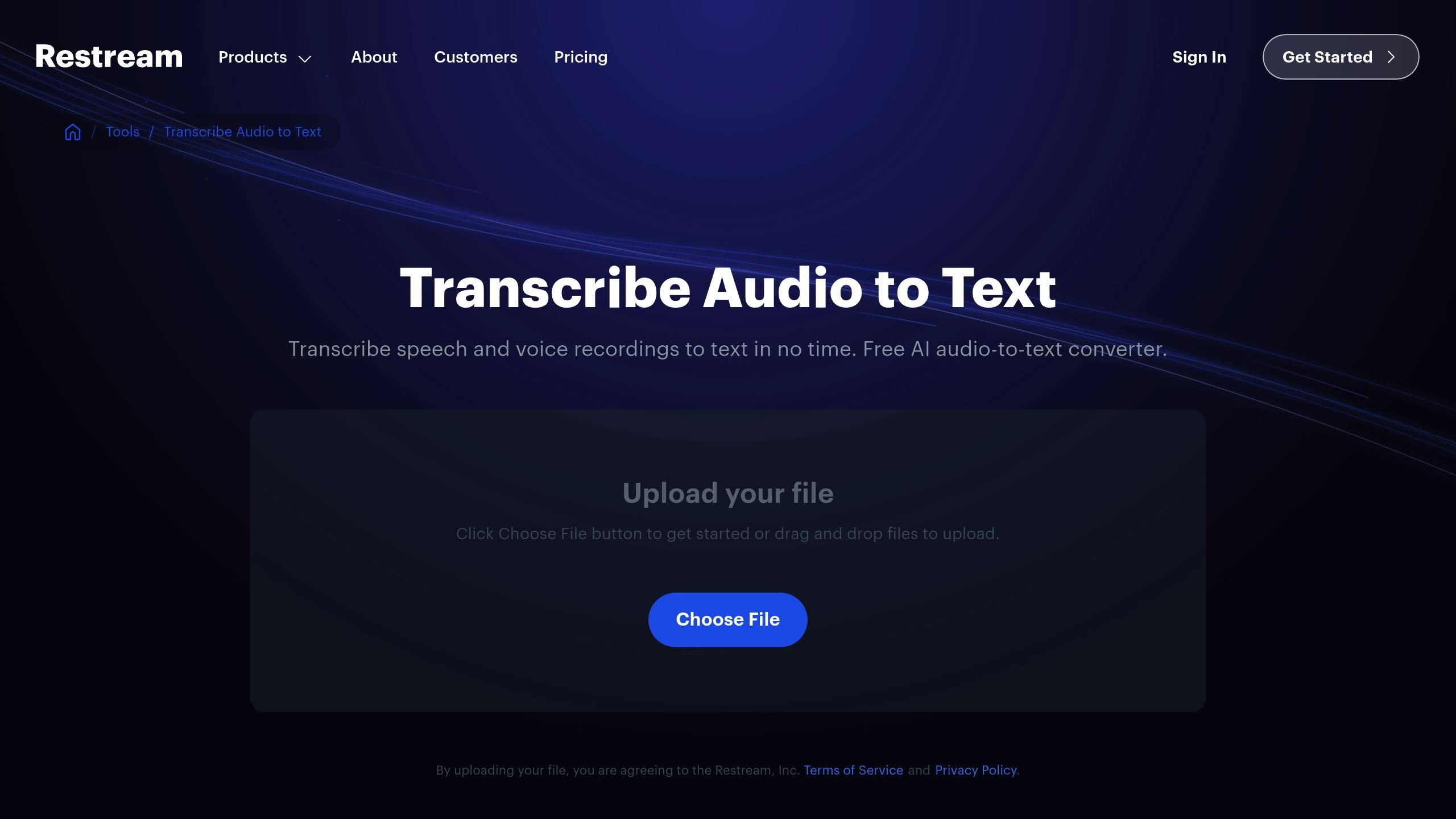
Restream's Transcription Tool turns lecture recordings into text with an impressive 99% accuracy rate for English transcriptions [25]. This makes it a handy resource for students navigating their studies in 2025.
Core Features
This tool works with various audio formats like MP3, WAV, FLAC, and AAC, as well as video formats such as MP4, AVI, MOV, and MKV [25][27]. It's completely free, doesn't require an account, and operates without ads. Plus, it supports 15 languages, making it useful for students worldwide.
Recording and Transcription Process
Students can use Restream Studio's record-only mode to capture clear lecture recordings [27]. Here's what the process offers:
| Feature | Benefits |
|---|---|
| Unlimited Duration | No limits on recording length [26] |
| Multiple File Formats | Flexibility for both input and output |
| Instant Downloads | Direct TXT file delivery [26] |
| Data Privacy | Files are wiped automatically post-use |
This setup simplifies transcription and expands its academic utility.
Academic Applications
The tool integrates with platforms like Descript [28], making it easy to repurpose lecture content for different study formats. By automating note-taking, students can dedicate more attention to understanding complex topics.
Educational Impact
Restream's Transcription Tool supports learning in various ways:
- Language Learning: Non-native speakers benefit from accurate, accessible transcriptions [29].
- Research Work: Quickly transcribes interviews and focus group discussions [29].
- Study Material Creation: Converts lectures into searchable text for easier revision [29].
With its accuracy, language support, and integration options, this tool modernizes how students take and use notes.
10. Transcribe AI Voice to Text
Transcribe AI Voice to Text stands out in 2025 with features tailored for note-taking and summarizing. It boasts a 4.5/5 rating on the App Store from 169 users, reflecting its popularity in educational settings.
Key Features
This tool is packed with functions to make academic tasks easier:
- Real-time transcription: Accurately captures lectures and discussions as they happen.
- YouTube integration: Converts video lectures into written summaries with key points.
- Folder organization: Helps students neatly categorize notes for different subjects or courses.
- Grammar assistance: Offers spelling and grammar suggestions to polish written content.
Performance
When it comes to transcription accuracy, Transcribe AI Voice to Text holds its own against major players like OpenAI Whisper and Google Gemini [30].
Organized and Efficient
The built-in folder management system allows students to keep their notes and study materials in order, making it easier to juggle multiple courses. This system also integrates smoothly with other academic resources, saving time and effort.
Compatibility
Designed for the Apple ecosystem, the tool works on iPhone, iPod Touch, and Apple Vision, ensuring a seamless user experience across devices.
Conclusion
AI-powered note-taking tools have changed the way students manage and organize academic information. Our review of the top ten tools highlights features like real-time transcription, smart organization, and AI-driven summarization, each tailored to different academic needs.
Choosing the Right Tool for You
Pick a tool that fits your workflow. For students managing complex projects, Notion AI is a great option. If teamwork and collaboration are your focus, Mem stands out with its AI features.
| Tool | Best For | Monthly Cost | Key Feature |
|---|---|---|---|
| Notion AI | Project Management | $12 + $10 for AI | Highly customizable |
| Mem | Collaboration | $14.99 | Advanced AI capabilities |
| TalkNotes | Language Support | $9 | Supports 100+ languages |
This comparison showcases the strengths of each tool, helping you choose based on your priorities.
What’s Next for AI Note-Taking?
AI tools are becoming smarter and more personalized. Here are some exciting trends to watch for:
- Better understanding of academic context
- Seamless integration with other academic platforms
- Improved security features like encryption
These advancements mean that the tools you choose today will continue to evolve alongside your needs.
Making the Best Choice
When deciding, keep these factors in mind:
- Check if the tool integrates with your academic software
- Compare pricing to find the best value
- Test AI features to see how they fit your workflow
The goal is to find a tool that balances advanced features with ease of use. By staying updated on new developments, you can get the most out of your AI note-taking solution.
Turn your voice into organized notes, tasks, blogs, journal, planner and 20+ styles, instantly with TalkNotes.tech.