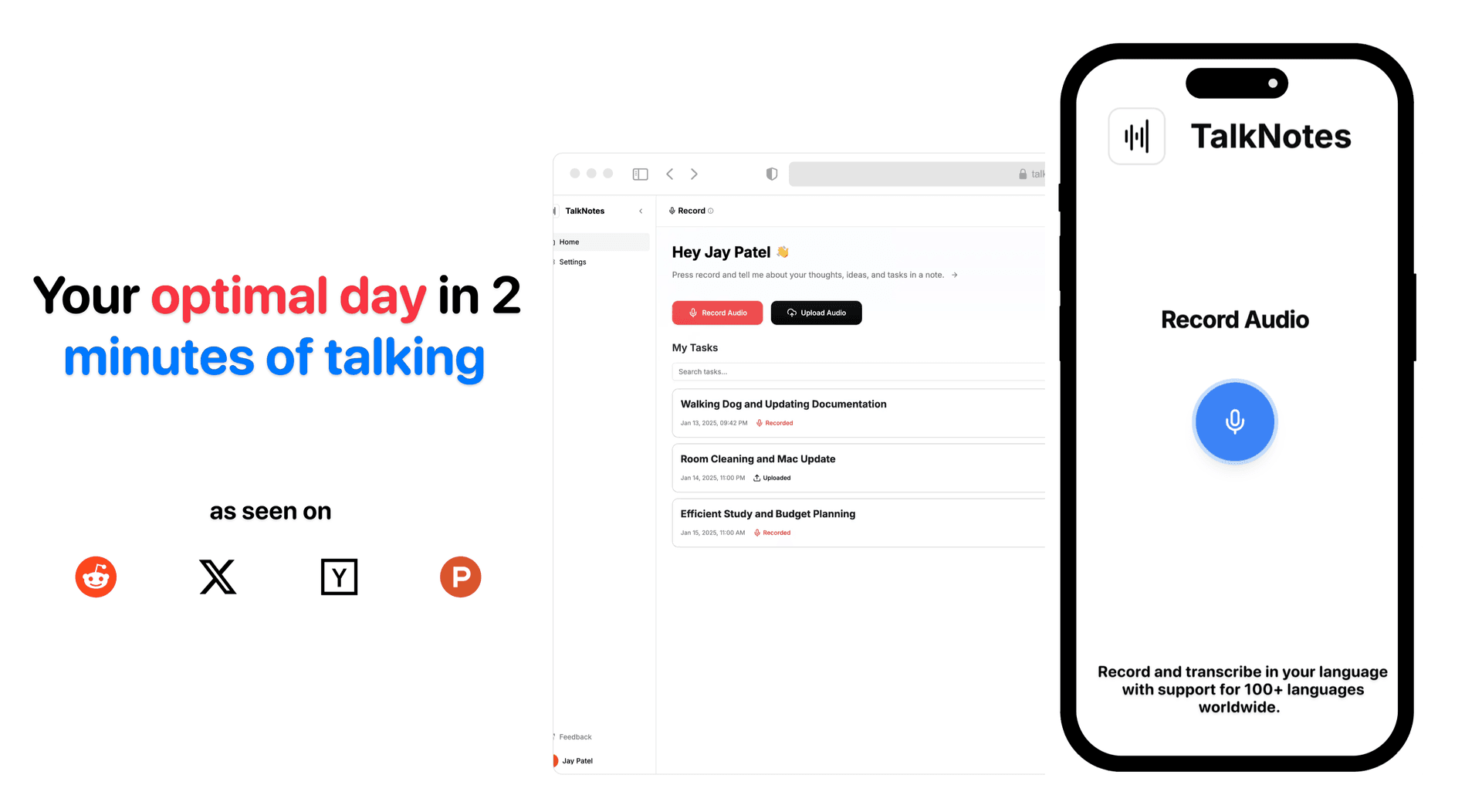
How AI Simplifies Mobile Meeting Notes
Explore how AI revolutionizes mobile meeting notes, enhancing productivity, accuracy, and collaboration for teams globally.
AI tools are changing how we handle meeting notes, making it faster and easier to capture and organize information. Here’s what you need to know:
- Time-Saving Features: Tools like Otter.ai summarize hour-long meetings in seconds, while Zoom offers 99% transcription accuracy.
- Action Item Management: AI detects tasks, assigns them, and integrates with project management tools, cutting manual work by up to 90%.
- Multilingual Support: Platforms like Speechy support over 100 languages, ensuring global teams can collaborate effectively.
- Improved Engagement: AI note-taking allows participants to focus on discussions without worrying about missing details.
Quick Comparison of AI vs Manual Note-Taking
| Feature | AI Note-Taking | Manual Note-Taking |
|---|---|---|
| Time Efficiency | Cuts 50–70% of admin time | Time-intensive for long meetings |
| Accuracy | Captures key points reliably | Prone to missed details |
| Task Management | Automatically tracks and assigns | Manual tracking, risk of errors |
| Engagement | Full focus on discussions | Divided attention |
| Sharing | Instant, polished notes | Requires cleanup before sharing |
AI tools are transforming meetings by saving time, improving accuracy, and enhancing collaboration. They’re not perfect yet, but advancements like better speaker recognition and stronger security are on the horizon.
AI Features in Mobile Meeting Notes
Modern AI tools are transforming how mobile meeting notes are handled, making the process faster and more efficient. These tools streamline capturing and processing meeting data, saving time and effort.
Speech-to-Text and Summary Creation
AI transcription has become faster and more precise. For example, Zoom boasts a 7.40% word error rate and 99.05% transcription accuracy, with a response time of just 4,716.1 milliseconds, enabling near real-time transcription [2].
"Accurate transcriptions are critical to improving productivity and reducing misunderstandings, whether for record-keeping, sharing knowledge, or simply ensuring that no important detail is missed."
– Zoom AI Performance Report 2024 [2]
Zoom also excels in creating meeting summaries, achieving a summary quality score of 81.35% [2]. Meanwhile, Speechy takes things further by offering features like customizable flashcards and task-oriented summaries.
Task Detection and Assignment
AI tools now handle action item management by identifying and extracting tasks directly from meeting discussions. This can cut manual note-taking time by as much as 90% [3]. Key features include:
- Identifying action items in real time
- Automatically assigning tasks to team members
- Integrating with project management tools
- Sending automated follow-up reminders
These capabilities help teams stay organized and focused, enhancing overall productivity.
Language Support and Accessibility
AI transcription tools now offer extensive multilingual support, ensuring clear communication for global teams. This support makes meeting content accessible and actionable for diverse audiences:
| Platform | Language Support | Key Features |
|---|---|---|
| Speechy | 100+ languages | Task analysis; meeting minutes generation |
| Sembly AI | 48 languages | 8 primary languages; 32+ beta languages [1] |
| Meeting.ai | 30+ languages | Automatic language detection [5] |
| Huddles.App | 50+ languages | Transcripts; summaries [4] |
With these tools, teams can communicate effectively across languages while maintaining high transcription accuracy. Accessibility features also ensure that meeting content is available to all team members, regardless of attendance or language barriers.
Advantages of AI Note-Taking
AI note-taking simplifies transcription, summarization, and tracking of action items. According to research, 81% of employees say AI tools improve their productivity in work-related tasks [10].
Smart Organization and Search
AI note-taking tools are excellent at organizing and categorizing meeting content automatically, making it easy to find information when you need it. These platforms use advanced algorithms to deliver key benefits:
| Feature | Benefit | Impact |
|---|---|---|
| Natural Language Search | Lets users find notes instantly with conversational queries [7] | Makes searching faster and more intuitive |
| Auto-categorization | Tags and organizes notes without user input | Saves time and effort |
| Sentiment Analysis | Detects positive, negative, and neutral points in discussions | Tracks the overall tone of meetings [9] |
| Topic Tracking | Groups content by discussion themes | Simplifies referencing specific subjects |
These systems also create searchable archives, ensuring no critical information is lost. This level of organization naturally supports better team coordination.
Team Coordination and Task Tracking
AI tools enhance team efficiency and alignment by automating documentation and task tracking. They ensure decisions and action items are recorded accurately, reducing the need for manual transcription. A study by PwC found that 35% of CEOs consider decision-making meetings inefficient [10]. AI solutions address this by offering dependable records of discussions and outcomes.
Here’s how these features improve productivity:
- Enhanced Collaboration: Provides consistent documentation for teams, no matter their location.
- Automated Task Management: Extracts action items and integrates them into project management tools, reducing follow-up meetings.
- Real-Time Analytics: Tracks topic trends and monitors action item completion rates to measure progress.
"Impressed by Fireflies' analytics. It helps track my team conversations."
– Ed Leon Klinger, CEO at Flock [8]
These tools not only save time but also ensure smoother workflows for teams.
AI vs Manual Note-Taking Comparison
Switching from traditional note-taking to AI-powered tools has reshaped how meetings are documented. Here's a breakdown of how these two methods compare in terms of efficiency and accuracy.
Feature and Performance Comparison
According to Microsoft Teams research, nearly 75% of team leaders handle note-taking multiple times a week, with 48% saying the process takes longer than they'd like [14].
| Aspect | AI Note-Taking | Manual Note-Taking |
|---|---|---|
| Time Efficiency | Cuts 50–70% of meeting admin time [15] | Can be very time-intensive, especially for long meetings [6] |
| Accuracy | Reliably captures key points [11] | Splitting focus often leads to missed details [6] |
| Task Management | Automatically tracks and assigns action items [12] | Requires manual tracking, increasing the chance of errors |
| Engagement | Lets participants fully focus on discussions [6] | Divides attention between listening and writing [6] |
| Availability | Instantly shares polished notes post-meeting [14] | Needs extra time for cleanup and formatting before sharing |
| Collaboration | Produces standardized, shareable formats [6] | Often results in personal, less accessible notes [6] |
Zoom's AI Companion, for example, created over 2.8 million meeting summaries in just three months, showing how much time these tools can save [14].
"It gives you a basis for your notes and tasks, rather than having to create everything from scratch. It's almost like sending your personal note-taker right to these meetings." - Chanda Jensen, Senior Product Manager, Microsoft Digital [13]
AI tools capture everything without missing a beat, while human note-takers are prone to distractions or skipping details [12]. On the flip side, manual note-taking encourages deeper engagement and helps with memory retention [6]. Financial advisors using AI note-taking report cutting 50-70% of their admin workload, allowing them to focus on strategic tasks and client relationships [15].
Combining both approaches - AI for thorough documentation and manual notes for personal insights - provides the best of both worlds.
Current Limits and Next Steps for AI Notes
Data Security and Privacy
AI note-taking tools can save time and improve workflows, but they also require strong measures to protect sensitive information. To safeguard data, organizations should implement:
- Encryption for meeting data to prevent unauthorized access.
- Clear policies on how long data is stored and when it is deleted.
- User authentication and strict access controls.
- Compliance with laws like GDPR.
- Regular security audits to keep systems up-to-date.
Transparency is key - users need to know how their data is processed and stored. For example, some platforms delete audio files immediately after use, while others may keep them for training AI models. It's crucial that participants are informed and give their consent. Solving these security concerns will pave the way for future advancements.
Future AI Note-Taking Features
The AI note-taking industry is expected to grow to $2.54 billion by 2033, with an annual growth rate of 18.9% [17]. This rapid expansion is driving innovation to address current challenges.
| Challenge | Current Limitation | Expected Improvement |
|---|---|---|
| Accuracy | 5–15% error rate in transcription [16] | Better context awareness and noise filtering |
| Context | Struggles with sarcasm and emotion [16] | More advanced natural language processing |
| Speaker Attribution | Issues with identifying multiple speakers [16] | Enhanced voice recognition and speaker separation |
| Search Capability | Limited to exact phrase matching [16] | Semantic search and concept-based retrieval |
Some of the advancements on the horizon include:
- Real-time translation for multiple languages [17].
- AI-powered organization tailored to individual preferences [17].
- Cross-platform synchronization for seamless access [17].
- Stronger encryption and improved compliance features [17].
North America is leading the charge, holding 38% of the market with $171.2 million in revenue as of 2023 [17]. This region is driving the development of tools like enhanced generative AI and integrated personal assistants.
Education is another key player, accounting for over 30% of the market share. Features that help students and educators retain information and improve learning outcomes are becoming a priority. Notably, 68% of professionals have reported increased productivity thanks to AI-powered note-taking apps [17].
Platforms like Speechy are already addressing many of these challenges. They offer features like advanced security, real-time transcription, and customizable workflows - bridging the gap between current needs and future possibilities.
Conclusion: AI's Role in Meeting Notes
Main Benefits
AI-powered tools are changing how businesses handle meeting documentation and action management. Studies show that companies with 10 employees can save between $40,000 and $120,000 annually by reclaiming productive time [19]. These tools bring noticeable improvements across key areas:
| Metric | Change |
|---|---|
| Meeting Follow-up Time | 70% faster [19] |
| Project Documentation Time | 60% faster [19] |
| Sales Team Documentation | 75% faster [19] |
| Calendar Management | 50% more efficient [18] |
| Meeting Time Adherence | 30% better [18] |
These results highlight how AI simplifies meeting workflows. With tools like Athreon's AxiScribe AI, which delivers over 99% transcription accuracy [11], teams can focus on discussions instead of manually taking notes.
How AI Note-Taking Tools Are Changing Meetings
AI note-taking tools are reshaping how teams work during and after meetings. For example, meeting durations have dropped by 40% [18], and scheduling-related communication has decreased by 70% [18]. These tools now act as all-in-one meeting assistants, handling tasks like real-time transcription and creating action items.
"AI Notetaker improves our efficiency; we can concentrate in meetings knowing that we will get the transcript and then use ChatGPT to summarise. This ensures comprehensive capture in a fraction of the time." - Andrew Widall, South Africa [19]
Platforms like Speechy also tackle challenges in mobile meetings, offering features such as task analysis and multilingual support.
AI-powered note tools not only boost efficiency but also fit seamlessly into modern workflows, proving their value in enhancing collaboration and mobile productivity. These advancements show how AI is transforming the way meetings are conducted and managed.
Turn your voice into organized notes, tasks, blogs, journal, planner and 20+ styles, instantly with Speechy.tech.