AI Note-Taking Apps Comparison; Features and Benefits
Explore the top AI note-taking apps, comparing their features, pricing, and ideal use cases to enhance your productivity and organization.
AI note-taking apps make organizing information faster and easier by using tools like transcription, summarization, and task management. Whether you're managing meetings, creating content, or organizing research, there's an app for your needs. Here's a quick summary of the top tools:
- Speechy: Supports 100+ languages, 99% transcription accuracy, unlimited generations, task analysis and more. Pricing: $9/month or $90/year.
- Otter.ai: Real-time transcription with 85–90% accuracy, speaker identification, and integrations with Zoom and Google Meet. Pricing: $16.99/month or $99.96/year.
- Notion AI: Works within the Notion workspace for content creation, summarization, and translations. Pricing: $10/member/month.
- Mem: Focuses on linking related information with AI-driven tools like Mem Copilot and Smart Search. Pricing: Contact sales.
Quick Comparison
| Feature | Speechy | Otter.ai | Notion AI | Mem |
|---|---|---|---|---|
| Language Support | 100+ languages | English only | Multiple languages | Primarily English |
| Core Features | Voice-to-text, Tasks | Real-time transcription | Content generation | Smart organization |
| Monthly Pricing | $19.97 | $16.99 | $10/member | Contact sales |
| Free Trial | 7 days | Basic plan (300 mins) | No | N/A |
For meeting-heavy teams, Otter.ai is ideal. Multilingual users will benefit from Speechy, while Notion AI suits those using the Notion platform. Mem is great for researchers needing smarter organization. Choose based on your priorities.
Best AI Note Taking Apps 2024
1. Speechy
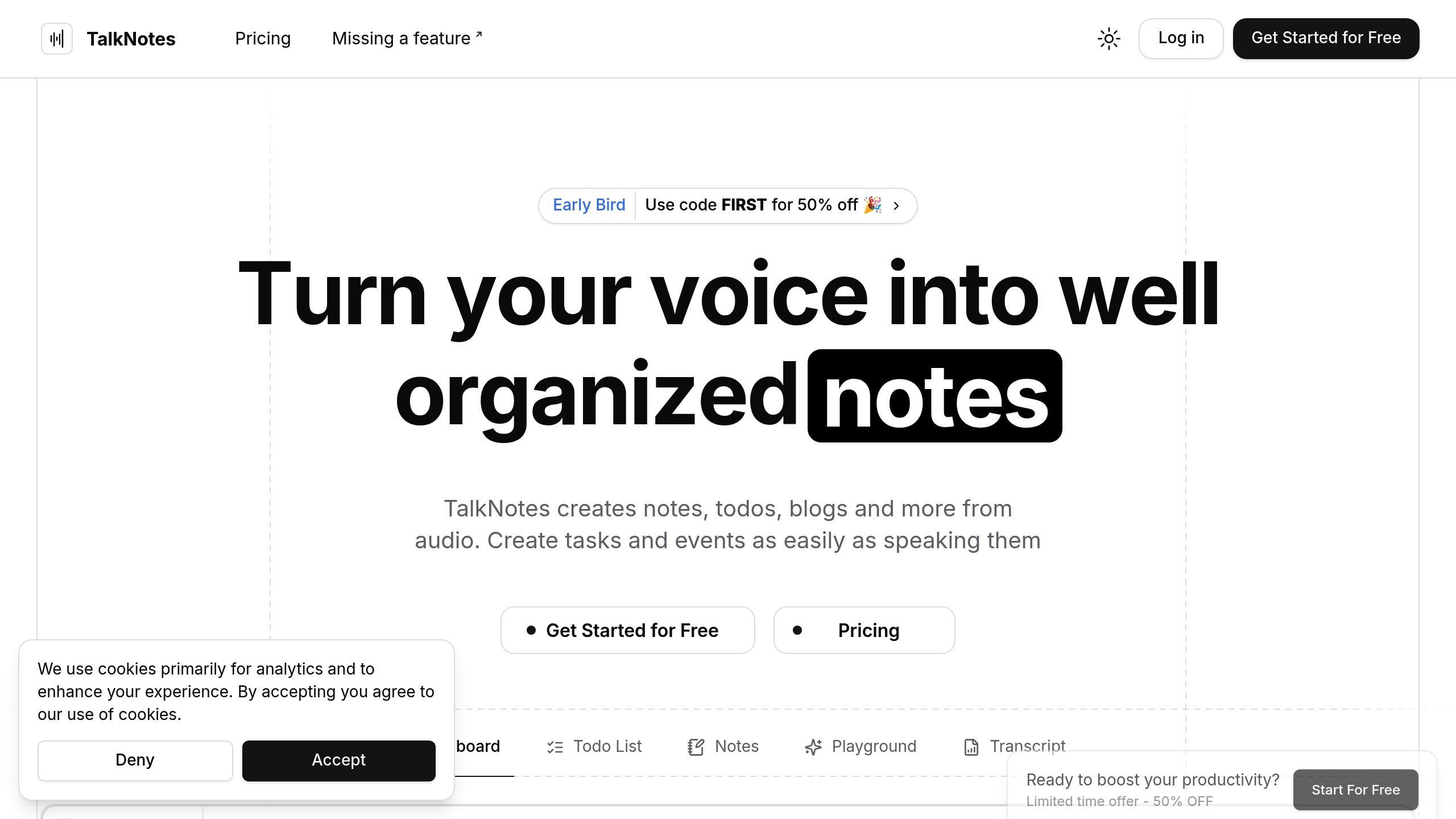
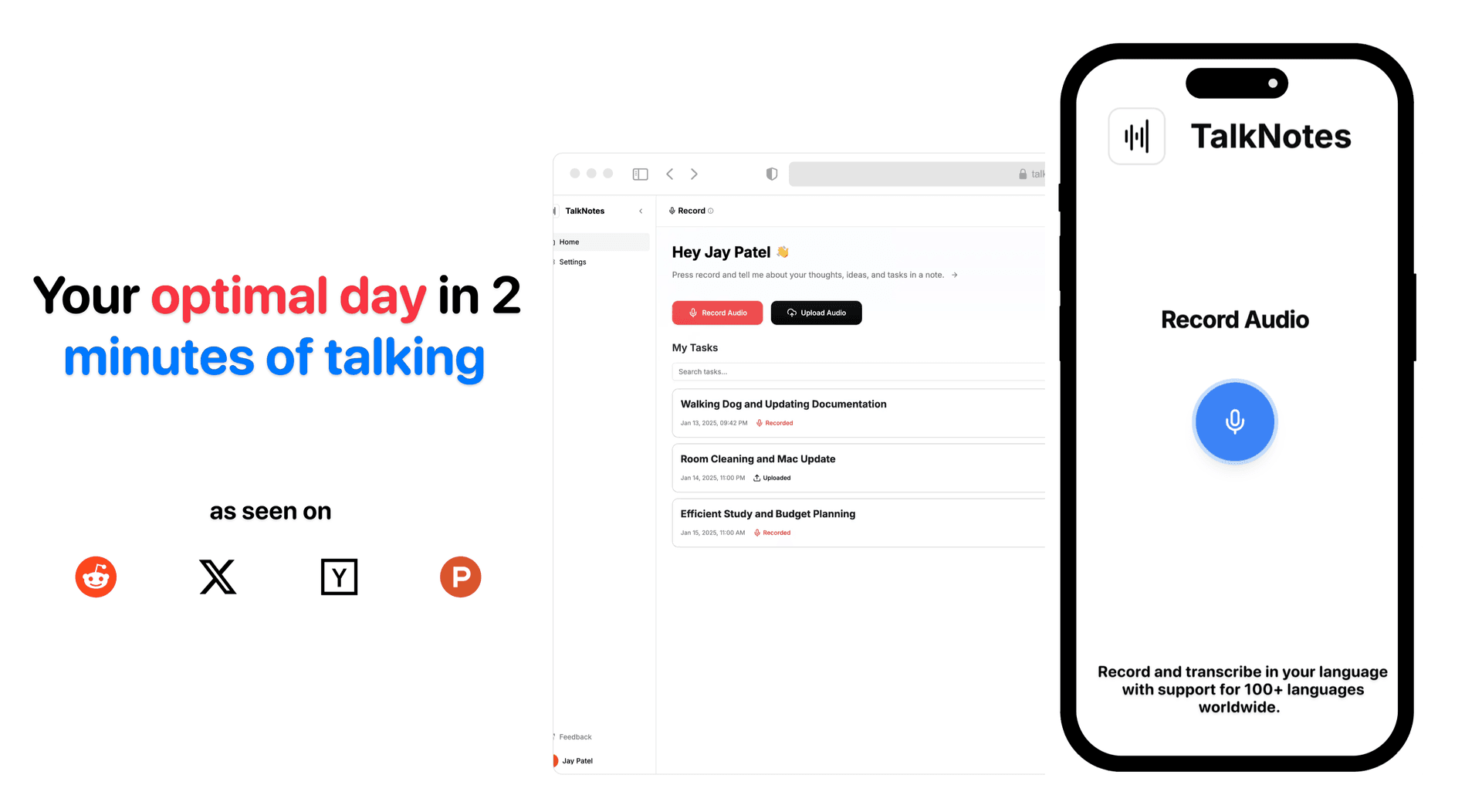
Speechy converts voice recordings into structured text with an impressive 99% transcription accuracy. It’s trusted by users across industries, offering support for more than 100 languages, making it particularly useful for international teams.
Here’s a quick look at its features:
| Feature Category | Capabilities |
|---|---|
| Note Creation | Voice memos, audio uploads (up to 20 minutes), customizable templates |
| Organization | Automatic structuring, custom styles, task analysis |
| Integration | Zapier connection (works with 2,000+ apps), automated distribution |
| Privacy | Audio deleted after transcription, no AI training with user notes |
Speechy is priced at $9 per month or $90 annually (equivalent to $7.5/month), and it includes free trials. This pricing, combined with its features, makes it a practical choice for those seeking efficiency and accuracy.
While the Zapier integration streamlines transcription distribution, setting it up initially can be a bit tricky.
2. Otter.ai
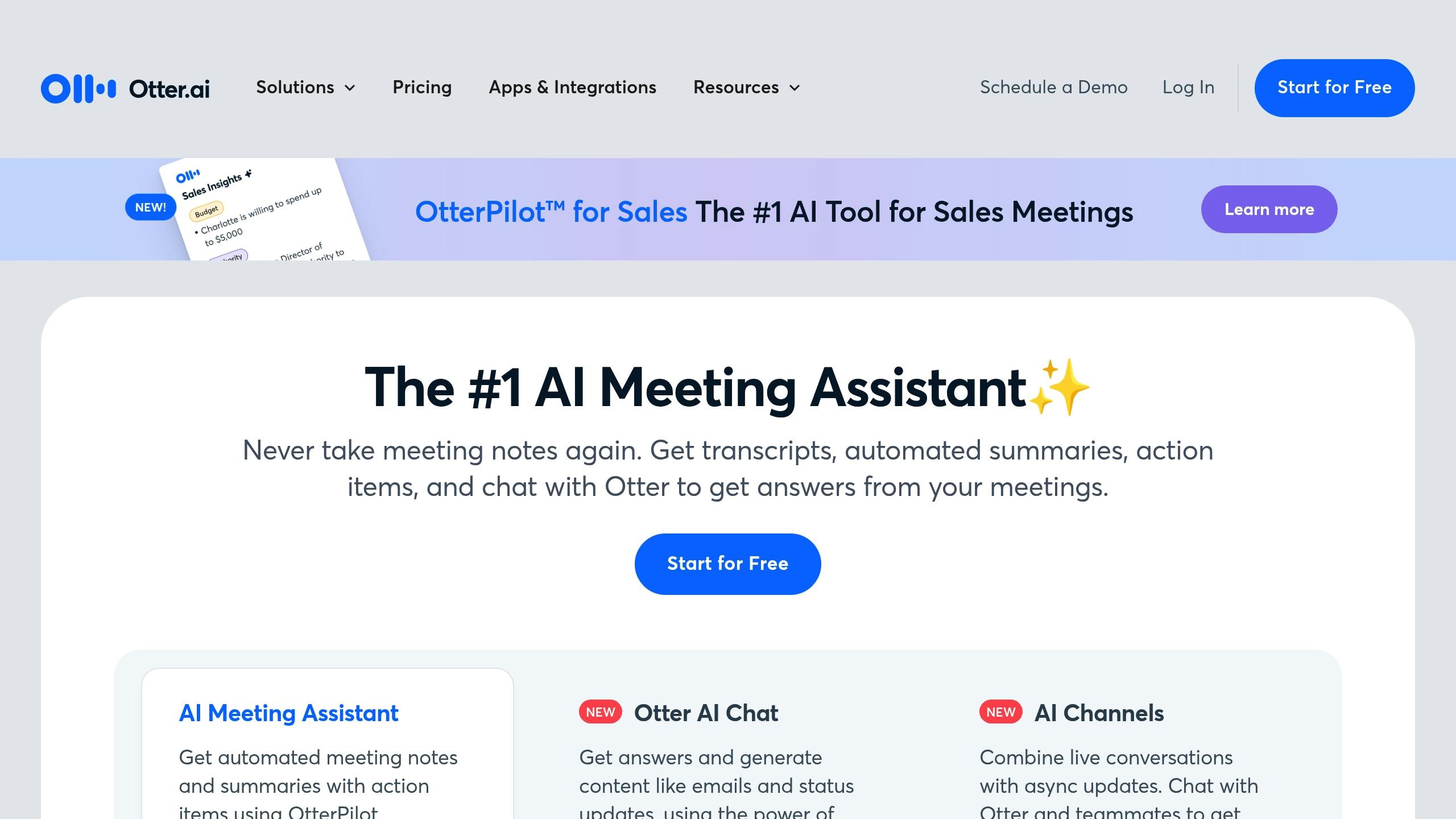
Otter.ai offers transcription with 85–90% accuracy and can process a 15-minute recording in just 5–6 minutes [5].
| Feature Category | Capabilities |
|---|---|
| Transcription | 85–90% accuracy, multi-speaker recognition |
| Organization | Folders, keyword search, speaker identification |
| Collaboration | Real-time sharing, group access, link sharing |
| Integration | Zoom, Google Meet, Microsoft Teams, Salesforce |
| Extras | Summary keywords, word clouds, highlighting |
Otter.ai stands out thanks to its OtterPilot technology, which improves accuracy by recording internal meeting audio streams [6]. This feature is especially useful for capturing clear and precise meeting transcriptions.
The platform also automates meeting recordings and generates summaries across platforms like Zoom, Google Meet, and Microsoft Teams [7][8]. This makes it a go-to tool for teams needing quick, organized transcripts.
While Otter.ai's transcription accuracy trails behind competitors like Notta (98.86%) and Rev's human transcription service (99%) [5], it makes up for it with a robust integration ecosystem. It connects with key business tools such as Salesforce, HubSpot, and Microsoft SharePoint [7][8], making it a versatile option for businesses.
3. Notion AI
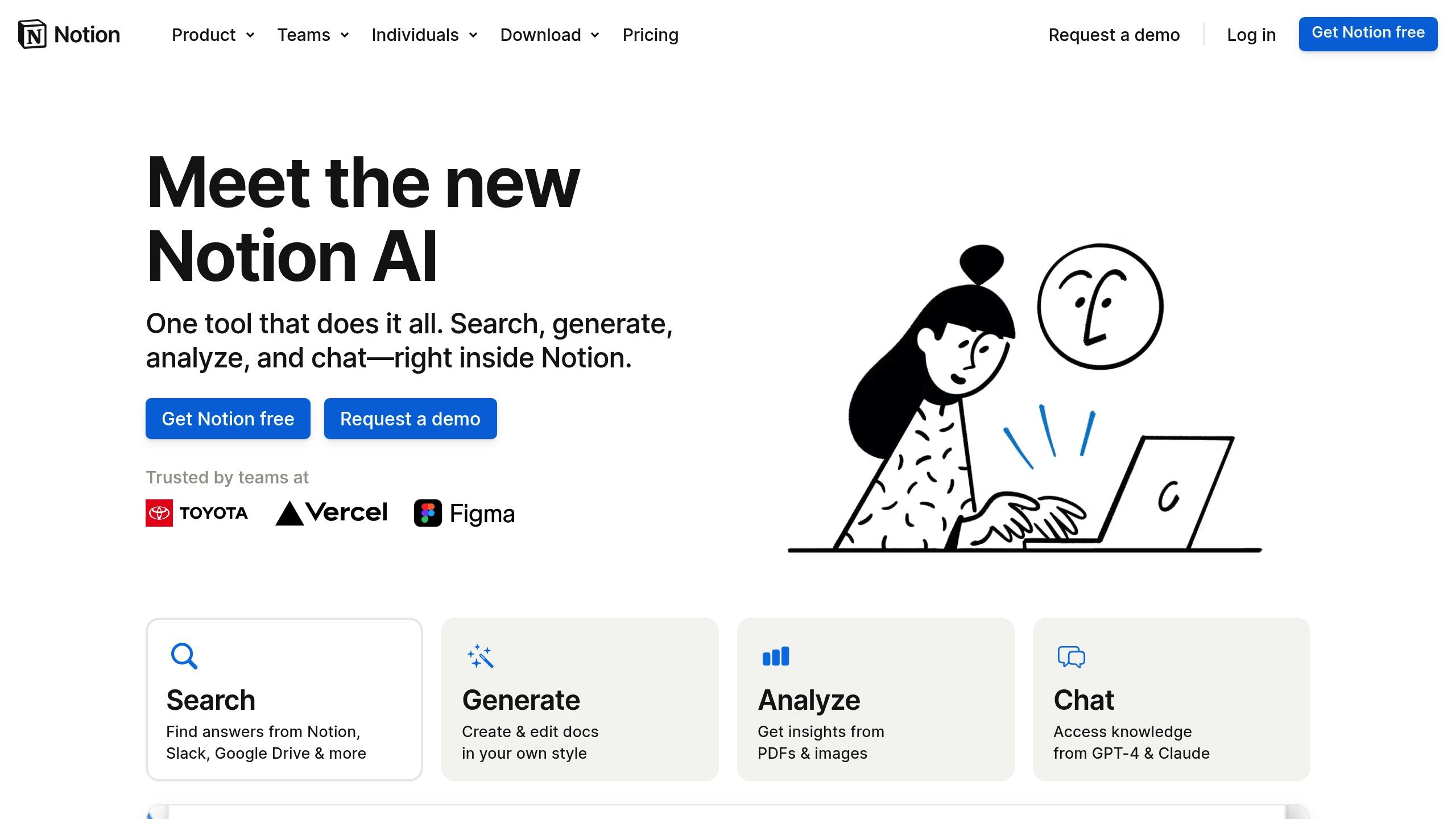
Notion AI enhances the Notion workspace by offering advanced tools for note-taking and content management at $10 per member per month (with a 20% discount for annual billing[9]).
| Feature Category | Capabilities |
|---|---|
| Core Functions | Content generation, note editing, translations |
| Search & Analysis | Workspace search, PDF/image analysis, connected apps search |
| Integration | Slack, Google Drive, Notion workspace |
| AI Assistance | Question answering, content summarization, brainstorming |
| Pricing | $10/member/month (20% discount with annual billing) |
This tool simplifies content analysis by connecting various sources like Notion pages, Slack conversations, and Google Drive documents - all in one place.
Notion AI is intuitive and requires minimal input. It stands out for its ability to extract useful insights from meeting notes and customer research.
Faith Lierheimer, Senior Technical Instructor at dbt Labs, shares her experience:
"It's really powerful when Notion AI surfaces organizational knowledge that I didn't know to look for, because I didn't even know it existed."
Alex Heath, Deputy Editor at The Verge, also praises the platform:
"It's the slickest, most practical implementation of generative AI for text that I've used to date."
Notion AI offers a free trial, including up to 500 complimentary AI responses (based on workspace size), so teams can test its capabilities before committing to a subscription[9].
In addition to basic note-taking, Notion AI can:
- Draft and refine content with intelligent tools
- Analyze uploaded files, including PDFs and images
- Provide accurate translations
- Summarize lengthy content into concise versions
- Generate automated text responses based on context
With these features, Notion AI goes beyond simple productivity tools, helping teams work smarter and more efficiently.
4. Mem
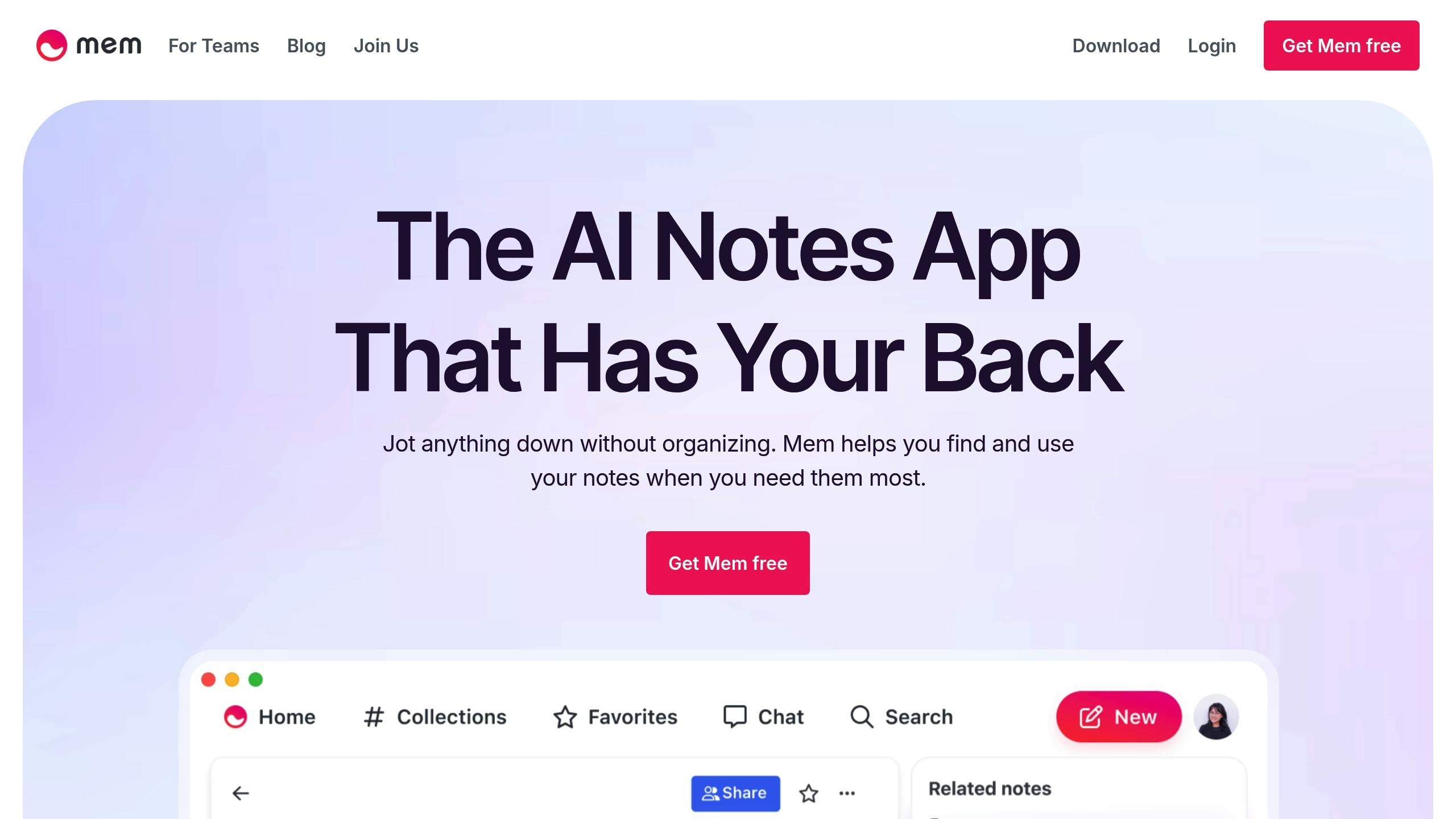
Mem takes a unique approach to organizing notes, combining smart integrations with AI-driven tools to simplify information management.
It’s an AI-powered platform designed to streamline how you handle and retrieve your data.
| Feature Category | Capabilities |
|---|---|
| Core Functions | Smart Search, AI Collections, Mem Copilot |
| Organization | Topic-based categorization, contextual sidebar |
| AI Components | Mem Chatbot, in-note AI prompts |
| Integration | Slack, Trello, Google Drive, ClickUp |
| Knowledge Base | Multi-directional note linking, smart filtering |
Mem Copilot redefines how notes are organized, removing the need for manual folders or complex tags. This makes finding information faster and easier [10].
The Mem Chatbot provides contextual insights by analyzing your notes, while in-note AI prompts help you generate or refine content based on existing data [11]. Together, these tools enhance productivity by simplifying both content creation and retrieval.
Mem also integrates seamlessly with tools like ClickUp, automatically creating memos for new tasks and helping you maintain an efficient workflow [12].
The contextual sidebar is another standout feature. It displays related information and links to relevant documents as you work, keeping everything you need within reach [11].
With Smart Search, Mem uses AI filters to help you quickly locate the exact information you’re looking for [10]. Meanwhile, AI Collections group related content automatically, eliminating the need for traditional folder systems and making access more intuitive [10].
These capabilities make Mem a strong contender in the world of AI-powered note-taking tools, setting the stage for a detailed comparison of its features.
Feature Comparison
Here's a breakdown of key features and pricing for some popular AI note-taking apps:
| Feature | Speechy | Otter.ai | Notion AI | Mem |
|---|---|---|---|---|
| Language Support | 100+ languages | English only | Multiple languages | Primarily English |
| Core AI Features | Voice-to-text, Task Analysis | Real-time transcription, Speaker ID | Content generation, Q&A | Connecting related information |
| Monthly Pricing | $9/month | $16.99 (Pro) | Included in Notion pricing | Contact sales |
| Annual Pricing | $90/year (~$7.50/mo) | $99.96/year (~$8.33/mo) | Included in Notion pricing | Contact sales |
| Free Trial | 3 generations | Basic plan (300 mins/month) | No | N/A |
| Team Features | Basic collaboration | Advanced team workspace | Full collaboration suite | Not specified |
Each app brings something different to the table, catering to diverse needs and use cases.
Speechy stands out with its support for over 100 languages and its ability to extract tasks automatically from notes. This makes it a go-to option for users who need multilingual capabilities and task management. On the other hand, Otter.ai excels at real-time transcription and speaker identification, which is especially useful for meetings and interviews.
Notion AI integrates seamlessly into the broader Notion workspace, offering tools for content creation and translation. Meanwhile, Mem focuses on connecting related information, making it a strong choice for researchers and writers looking to organize ideas more effectively.
There are some drawbacks to consider. For example, Otter.ai only supports English, which limits its appeal for international users. Additionally, transcription accuracy can vary in noisy settings, which might be a concern for certain use cases.
When it comes to pricing, Otter.ai offers a 20% discount on Pro plans for students and educators with a .edu email, bringing the annual cost down to about $79.99. Speechy provides an Early Bird discount, reducing its first month rate to $4.5 with the code FIRST.
Ultimately, the choice depends on your priorities:
- Speechy is ideal for unlimited note and 20+ other formats generation and multilingual support.
- Otter.ai focuses on transcription and team collaboration.
- Notion AI works well within a larger productivity platform.
- Mem is great for those who want to link and organize information intuitively.
Recommendations
The comparison above highlights which app might fit your workflow best. Here's what we suggest for different needs:
For Meeting-Heavy Professionals and Teams
If your work revolves around frequent meetings, Otter.ai is a great choice. It provides real-time AI meeting summaries and identifies speakers, making it particularly useful for virtual meetings. Note: It supports English only [1].
For Multilingual Users and Content Creators
Speechy stands out with its ability to handle over 100 languages. It also transforms voice recordings into structured formats, generates meeting minutes, and organizes tasks from voice notes - perfect for content creators and multilingual users.
For Budget-Conscious Users
Looking for a more affordable option? Notta offers a Pro plan for $9/month (billed annually) with 1,800 transcription minutes. Alternatively, Rev charges $0.25 per minute on a pay-as-you-go basis [1]. Check the comparison table above for more details.
For Enterprise and Compliance-Focused Organizations
Enterprises that need high accuracy and compliance will benefit from Rev, which boasts 99% transcription accuracy and supports multiple languages - ideal for meeting strict regulatory standards [1].
For Knowledge Workers and Researchers
Notion AI is a smart pick for those already using Notion. Its seamless integration within the workspace, along with advanced editing tools and AI-driven content creation, makes it a strong option for researchers and knowledge workers.
Check the feature comparison table for more on pricing and functionality. Most platforms, like Otter.ai, offer free trials or basic plans (e.g., 600 minutes of transcription per month) to explore their core features [1].
Turn your voice into organized notes, tasks, blogs, journal, planner and 20+ styles, instantly with speechy.tech.