5 Time-Saving Benefits of AI Voice Transcription
Explore how AI voice transcription tools enhance productivity by streamlining note-taking, content creation, task management, and language support.
AI voice transcription tools save time by quickly converting spoken words into text, helping professionals and students streamline tasks. Here’s how they make life easier:
- Meeting Notes in Minutes: Automate note-taking, capture key points, and share instantly with tools like Fireflies.
- Faster Content Creation: Turn spoken ideas into drafts for blogs or articles, repurpose audio, and improve SEO with tools like Otter.ai.
- Task Management Made Simple: Add tasks on the go, auto-schedule, and sync with calendars using platforms like TimeHero.
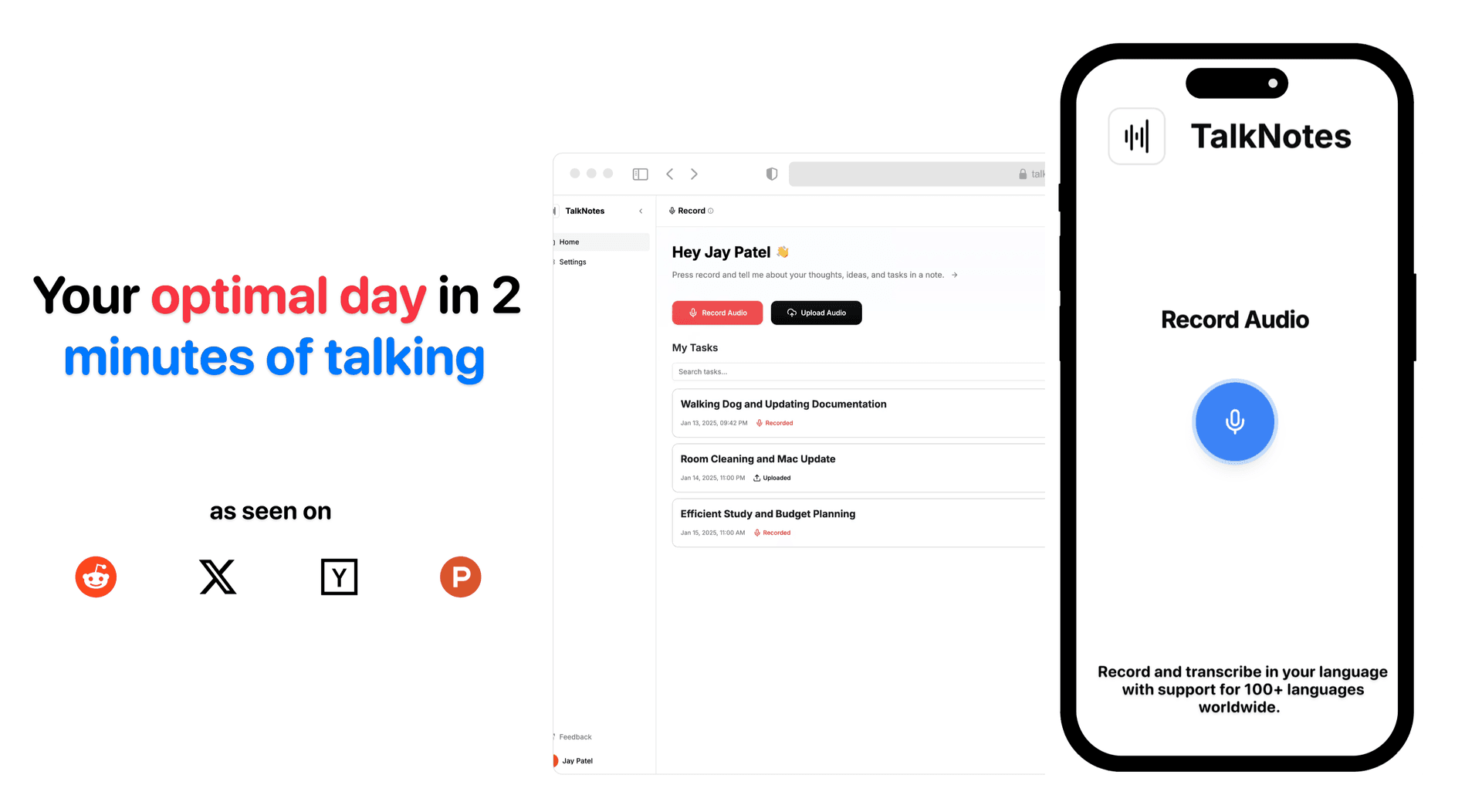
- Better Learning: Record lectures, generate summaries, and create searchable notes with tools like TalkNotes.
- Language Support: Transcribe and translate in 100+ languages, breaking barriers for global teams like TalkNotes.
Quick Comparison
| Feature | Example Tools | Key Benefits | Starting Price |
|---|---|---|---|
| Meeting Notes | Fireflies | Automated notes, task tracking, integrations | Free tier available |
| Content Creation | Otter.ai | Instant drafts, repurpose audio, SEO help | $10/user/month |
| Task Management | TimeHero | Auto-scheduling, voice-input tasks | Free tier available |
| Learning & Note-Taking | TalkNotes | Summaries, searchable notes | Free - $9/month |
| Language Support | TalkNotes | 100+ languages, real-time transcription | Free - $9/month |
These tools save up to 80% of transcription time, improve accuracy, and reduce costs by automating tedious tasks, making them a must-have for professionals, students, and global teams.
5 Best AI Transcription Tools in 2024
1. Quick Meeting Notes and Records
Executives spend an average of 23 hours a week in meetings, which makes effective note-taking a must [6]. AI transcription tools are transforming how meetings are documented, making the process faster and easier.
Tools like TalkNotes handle challenges that manual note-takers often face. They can distinguish between overlapping voices, minimize background noise, and accurately identify individual speakers [1]. This means you get detailed meeting records without the hassle of writing everything down yourself.
With these tools, teams can:
- Review Key Points: Quickly scan a 1-hour meeting in about 5 minutes using AI search features
- Track Action Items: Automatically capture tasks and commitments from conversations.
- Share Information: Instantly distribute notes through platforms like Slack, Notion, and Asana.
User feedback supports these benefits. Lee McMahon, Co-founder @Clara, shared: "Fireflies is minimizing the need for additional calls with customers. We can move straight into offering solutions" [5].
AI transcription services also boost productivity with automated summaries and task tracking. They create a searchable database from voice conversations, making it simple to revisit past discussions and monitor ongoing projects.
For remote and hybrid teams, this technology not only simplifies meeting documentation but ensures everyone has equal access to critical information [2]. Integrations with tools like CRMs and project management software make sharing and collaboration even smoother.
2. Fast Content Writing and Production
AI transcription tools make it easier to turn your spoken ideas into written content, speeding up the creation process. Whether you're jotting down meeting notes or brainstorming new ideas, these tools streamline your workflow by converting speech into text almost instantly.
Speaking your ideas can be a faster way to create content. AI-powered transcription tools can take your spoken thoughts and turn them into drafts for blogs, articles, or social media posts.
Benefits of AI Transcription Tools
These tools offer several advantages to save time and effort:
- Instant Drafts: Quickly turn spoken ideas into text, allowing you to focus more on editing and refining rather than starting from scratch.
- Repurposing Content: Use existing audio or video - like webinars, podcasts, or TikTok clips - to create blog posts and articles.
- SEO Improvements: Some tools can assist with crafting meta descriptions and attention-grabbing headlines to boost online visibility.
Users have noticed real productivity improvements.
Tips for Getting the Most Out of AI Transcription
To make AI voice-to-text tools work even better for you, try these strategies:
-
Speak Clearly and Concisely
Use straightforward language and avoid overly complex sentences to help the AI produce accurate results [8]. -
Add Verbal Cues
Mention punctuation or emphasize key points to ensure the output is well-structured [8]. -
Refine Over Time
Review drafts and adjust your speaking style as needed to improve the quality of future transcriptions [9].
Affordable Options for Every Budget
AI transcription tools are surprisingly affordable. For instance:
- Otter.ai starts at $10 per user/month.
- Sonix offers plans starting at $22 per month.
- TalkNotes provides unlimited note generation and audio processing for just $9 per month and has a free trial.
For busy professionals, these tools are a game-changer. Record your thoughts during your commute or between meetings, and let AI handle the heavy lifting. This aligns with the expectations of 64% of business leaders who believe AI advancements will continue to enhance productivity [2].
3. Better Task and To-Do List Management
AI voice transcription is transforming the way tasks are managed. By instantly converting spoken words into text, it simplifies and speeds up task management.
Time-Saving Voice Features
AI tools are making everyday task handling smoother. With advanced voice-to-text capabilities, they allow you to manage tasks effortlessly. For example, Muchtodo supports voice input in 57 languages, enabling you to add tasks on the go, no matter where you are.
Smart Task Organization
These tools don’t just transcribe your voice - they help you stay organized. Platforms like TimeHero and ClickUp use AI to:
- Automatically schedule tasks based on your workload.
- Predict tasks you might need to handle in the future.
- Pull action items directly from voice notes.
- Sync with calendars to create a well-structured plan.
Affordable Solutions
Voice-enabled task management tools are surprisingly budget-friendly:
| Tool | Starting Price | Key Features |
|---|---|---|
| Muchtodo | £2.99/month | Voice-to-text in 57 languages, Basic task management |
| TalkNotes | Free Trial - $9/month | Unlimited note generation, AI task analysis, 100+ languages, Searchable notes |
| Voiset | Free tier available | Automatic task scheduling, Voice input, Smart rescheduling |
These tools offer not just transcription but also smarter ways to manage your tasks.
Practical Tips for Voice Task Management
Here’s how to get the most out of voice-based task management:
- Speak Clearly: Use distinct and consistent commands for different tasks [3].
- Create on the Move: Use voice notes to instantly convert ideas into tasks while you're on the go [3].
- Optimize Organization: Let AI categorize and prioritize tasks based on urgency [14].
With AI-powered tools, manual transcription is now a thing of the past [13].
4. Faster Learning and Note-Taking
AI transcription is changing the way students and professionals take notes. Instead of scrambling to jot everything down, they can now focus on understanding the material. This approach is especially helpful for students and busy professionals who need to absorb information quickly and effectively.
Smart Lecture Capture
AI tools can turn spoken lectures into searchable text automatically. For example, TurboScribe has processed over 9.1 million hours of audio, showing how automation is becoming the go-to solution for transcription [16].
Dr. Ted Hildebrandt from Gordon College shared his experience:
"I formerly had students transcribe audios (8 hrs. work for 1 hr. audio). Your program is literally saving me thousands of hours. The accuracy is actually better than when I had human help doing it."
Boosting Study Efficiency
AI-powered tools come with features that make learning faster and more effective:
- Smart Search: Quickly find specific parts of a lecture.
- Auto-Summarization: Generate summaries of key points instantly.
- Multi-Language Support: Translate materials on the spot.
- Content Organization: Automatically index and categorize notes.
These features not only save time but also make educational content easier to work with.
Real-Life Success Stories
Shivangi Sood, a student at Northeastern University, shared how AI tools have improved her study routine:
"Before my exam, I upload my lecture and start studying instantly. It's save me so much time in studying, and I've actually gotten better grades too."
Tips for Using AI Transcription Effectively
- Record Everything: Capture live lectures and study sessions for later transcription.
- Mix Methods: Add quick manual notes alongside AI-generated ones for better retention.
- Organize Smartly: Use AI tools to create searchable and well-structured study materials.
These strategies make it easier to stay organized and prepared.
Accessibility Benefits
AI transcription also makes education more inclusive. By creating captions and alternative formats, it caters to diverse learning needs [17]. Tools like TalkNotes support over 100 languages, helping bridge language gaps in education.
5. Language Support and Easy Access
AI voice transcription is transforming how global teams overcome language barriers, making it easier to manage multilingual content and communications. With tools capable of supporting hundreds of languages, organizations can streamline their workflows and improve collaboration.
Breaking Down Language Barriers
AI transcription tools now cover an impressive range of languages. For context, the U.S. alone is home to speakers of over 350 languages, while globally, more than 7,000 languages are spoken [19]. Tools like TalkNotes, which supports over 100 languages, are helping international teams work together more effectively.
Practical Applications
In November 2024, Filio showcased how AI-powered real-time transcription can make a difference. Teams used the technology to record voice notes in their native languages, save transcriptions to the cloud, and translate content for smoother global collaboration.
Boosting Accuracy
Technologies like Faster-Whisper have significantly improved transcription capabilities. These advancements allow for speeds up to four times faster and provide better support for non-English languages [20].
Impact on Healthcare
In healthcare, transcription tools are being used to document patient interactions in their native languages. This ensures accurate records while improving communication and care for diverse populations [22].
Tips for Better Results
To get the most out of AI transcription, keep these tips in mind:
- Specify the language of the audio input for better accuracy [21].
- Add custom vocabularies to handle industry-specific terms [21].
- Use fine-tuned models to improve results for specific languages [20].
Conclusion
AI voice transcription tools have transformed how professionals handle their time and tasks. Traditional transcription methods take 4-6 hours to process one hour of audio, but AI solutions like TalkNotes can do it in just minutes.
The cost savings are clear. The global automated transcription market is expected to hit $4.2 billion by 2025 [23], signaling a growing demand. While manual transcription typically costs $15-30 per audio hour [23], AI tools offer a more affordable alternative with a strong return on investment.
"AI transcription speeds up the process of converting audio and video content into text. This not only saves time but also reduces costs, freeing up your team to focus on higher-value tasks." - Ashley Griggs, ElevateAI by NICE [1]
But it’s not just about saving time and money. AI transcription tools can boost revenue by 16% [23], showing their impact on both productivity and business growth.
TalkNotes, for example, supports over 100 languages, generates unlimited notes, and uses AI to analyze tasks. Its ability to turn voice recordings into actionable outputs - like meeting minutes or blog posts - illustrates how these tools are redefining workflow management.
These tools can save up to 80% of the time spent on traditional transcription [23] while achieving accuracy rates of up to 95% [24]. As remote and global teams become the norm, AI transcription tools are essential for creating efficient, accessible, and collaborative work environments.
Turn your voice into organized notes, tasks, blogs, journal, planner and 20+ styles, instantly with TalkNotes.tech.